
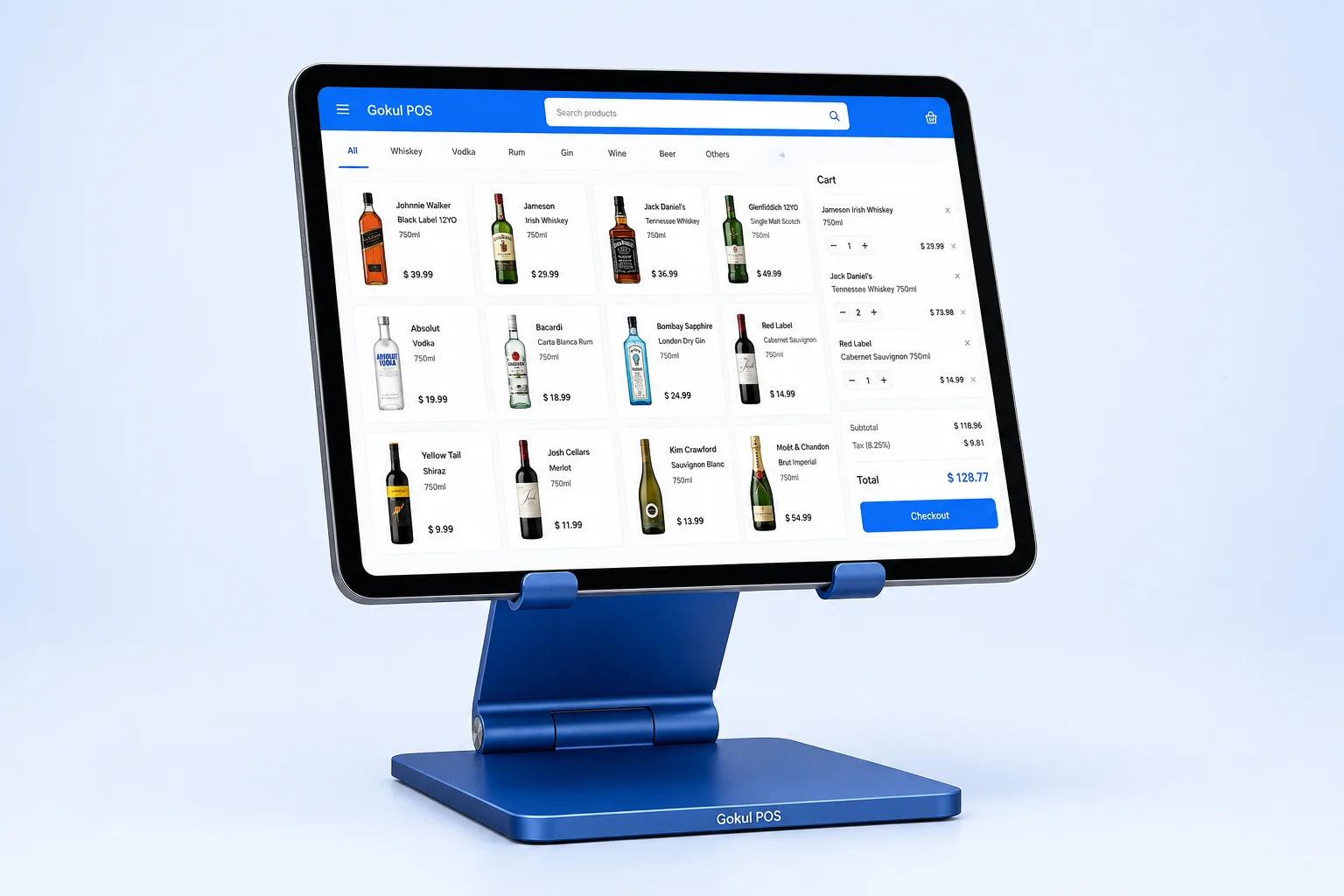
iPad tablet
A clear, touch-friendly view of your catalog, cart, customers and store activity. We scope the iPad model and screen size with your setup.
An iPad. A physical scanner. A stand that puts everything in reach. Meet the counter setup behind Gokul POS.
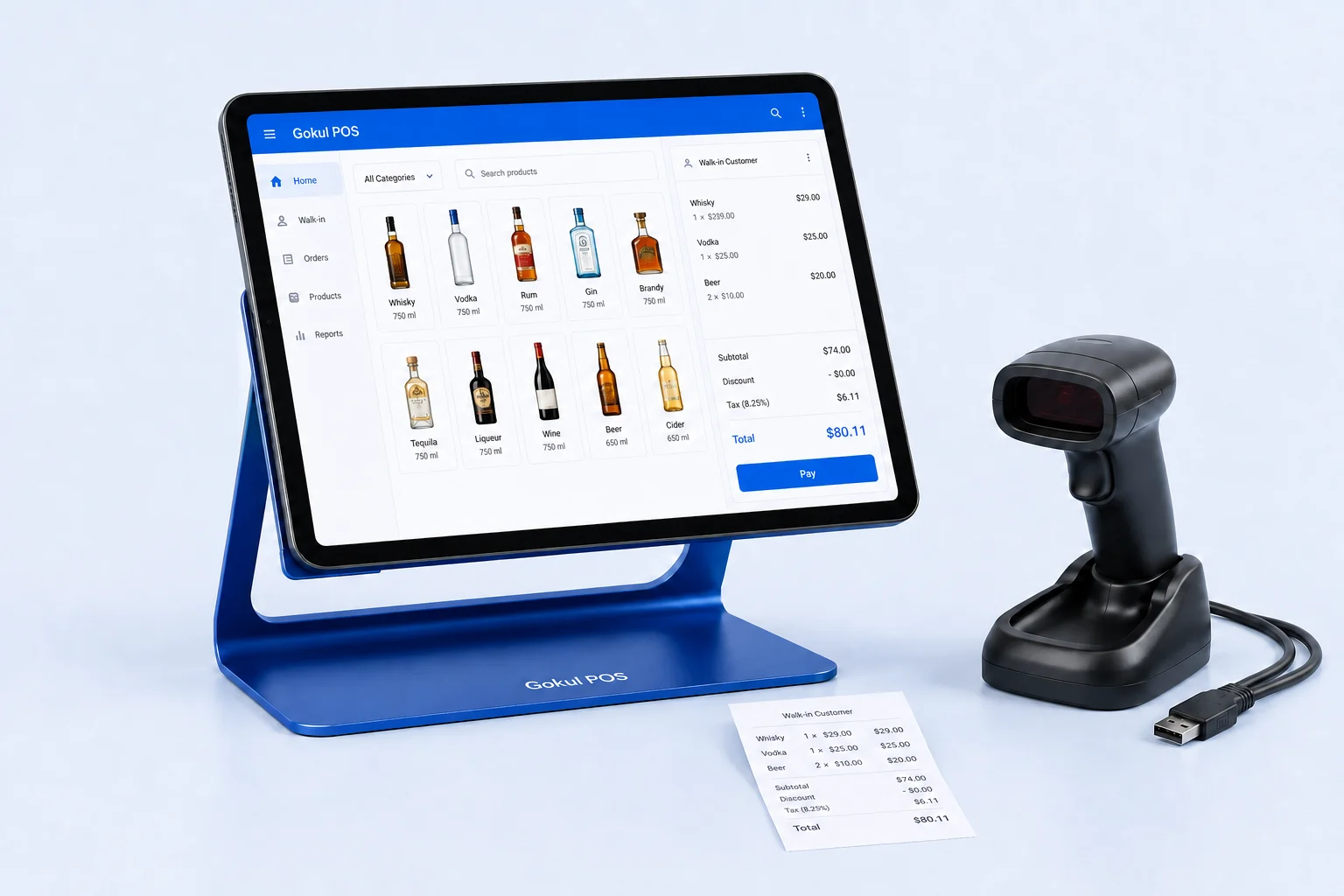
Choose hardware around the daily work of your store, from the first scan to the final receipt.
A clear, touch-friendly view of your catalog, cart, customers and store activity. We scope the iPad model and screen size with your setup.
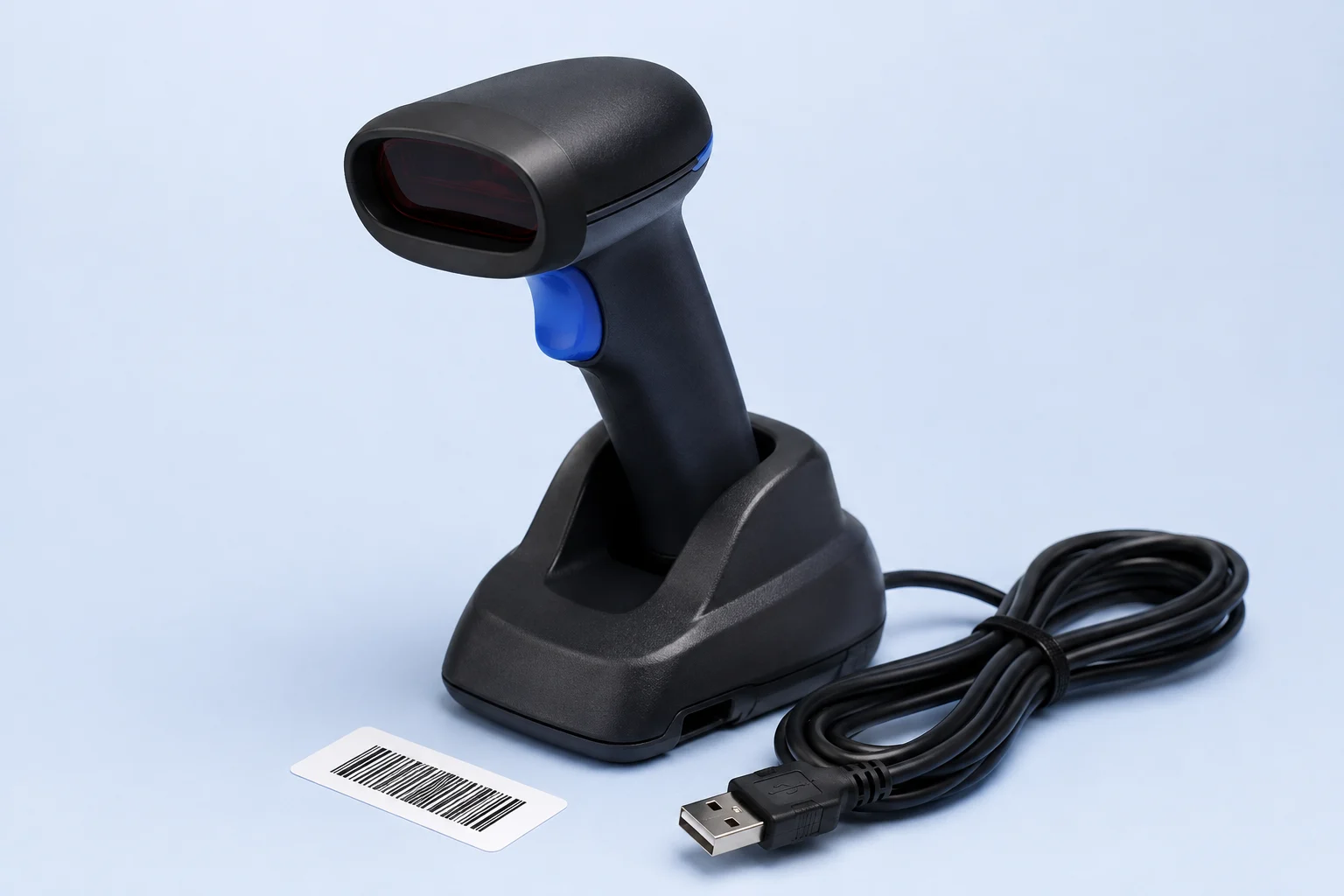
Bring a dedicated scanner to the counter for the products you sell every day. Scanner model and wired or wireless connection are confirmed before rollout.
Keep the iPad positioned at the counter. Fit, mounting, cable routing and opportunities for your own logo are part of the hardware discussion.
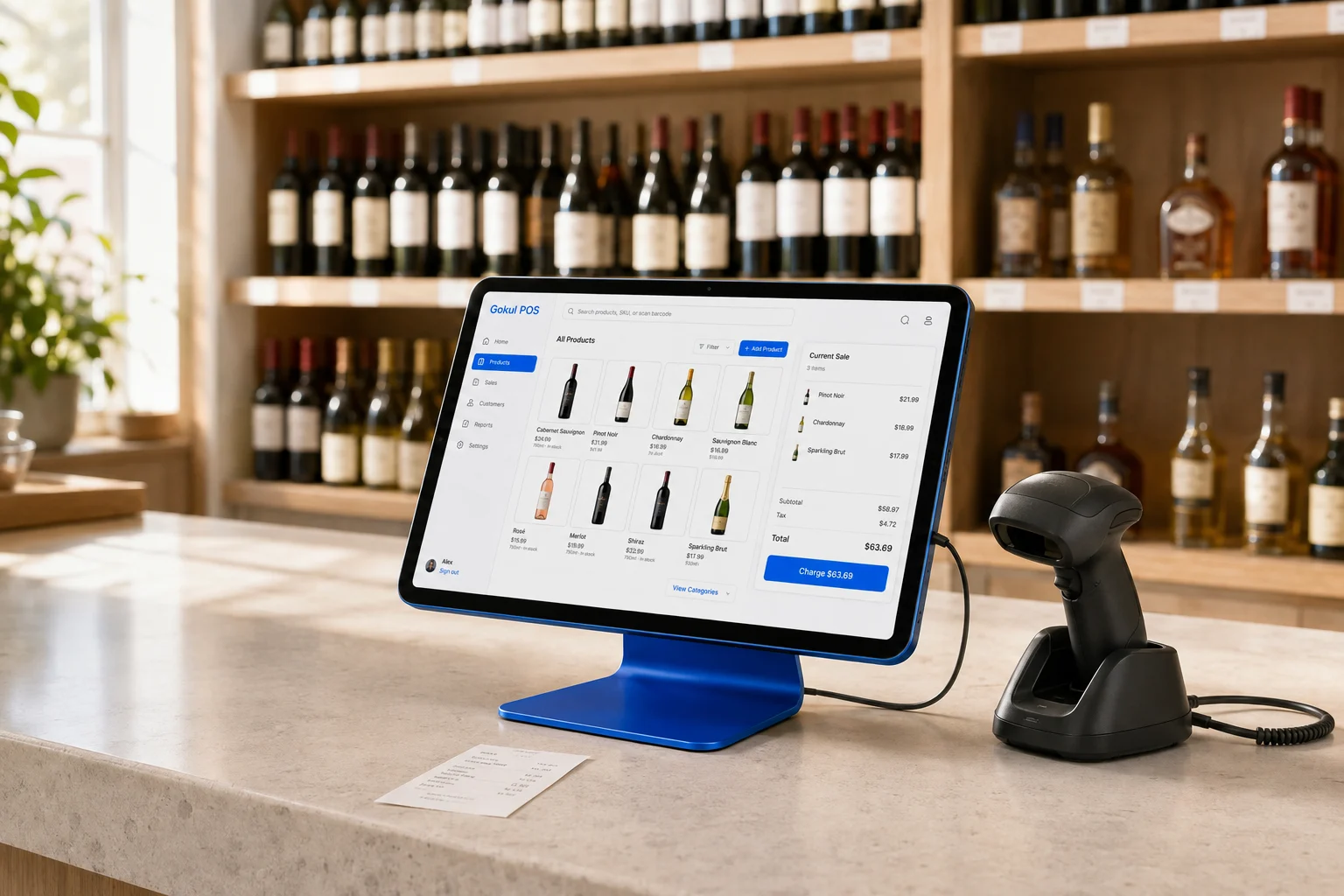
There’s more to a good setup than a screen. Start with your available counter space, the products you scan, and how your team moves through a sale.
Compare the one-, two- and three-register packages. Larger rollouts are scoped for your stores, counters and support needs.
Tell us where you want your brand to appear. Digital branding is available in the demo; physical logo placement, finishes and production are confirmed separately in your quote.
Include your iPad, scanner, stand and receipt-printer details in the quote discussion so compatibility can be checked. The browser demo illustrates the software; it does not certify any specific hardware combination.
Discuss your hardware