
Fast, familiar checkout
Find an item by name, SKU or barcode. Build a cart, hold a tab, and pick up right where you left off.
From the first scan to the final sale,
keep your counter, inventory, and customers working together.
iPad POS for liquor, wine & beer retailers
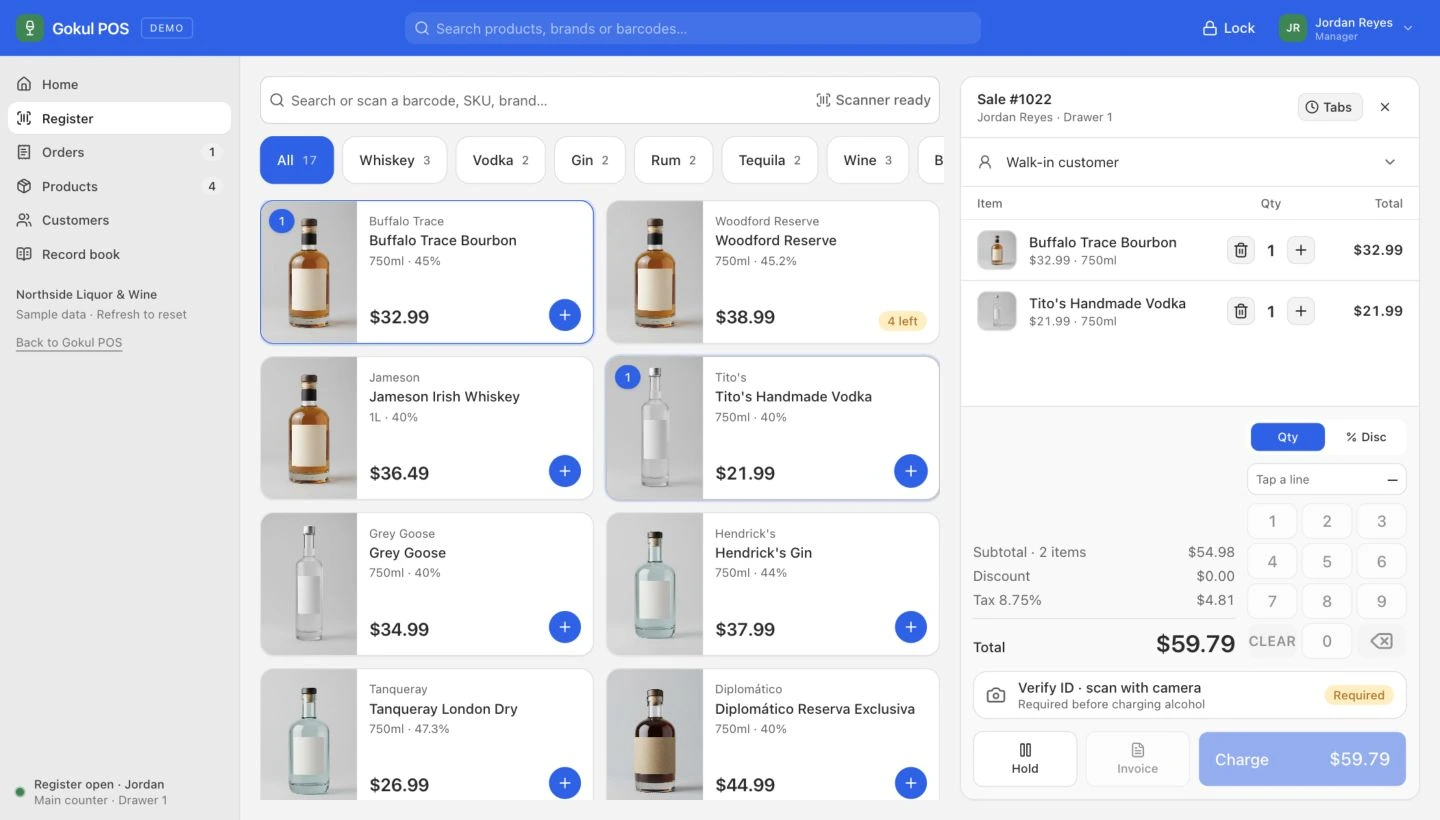 Explore the register
 From your first customer to the end-of-day count, give your team one place to get things done.
Find an item by name, SKU or barcode. Build a cart, hold a tab, and pick up right where you left off.
Keep product details, stock adjustments and low-stock alerts in one place. See what needs your attention.
Put a name to the next visit. Find customer purchase history, contact details and outstanding invoices.
Bring sales, top products and staff activity into one view. Get a clearer picture of the day at your store.
Look up an order, review its status, or find an unpaid invoice. Keep the details close at hand.
Switch employees with a PIN and see staff-attributed sales and age checks. Keep each shift organized.
Capture ID details, check age eligibility, and keep a searchable record with every verified sale.
Try the verification flow Built to support your procedures. Staff still inspect IDs and follow local requirements.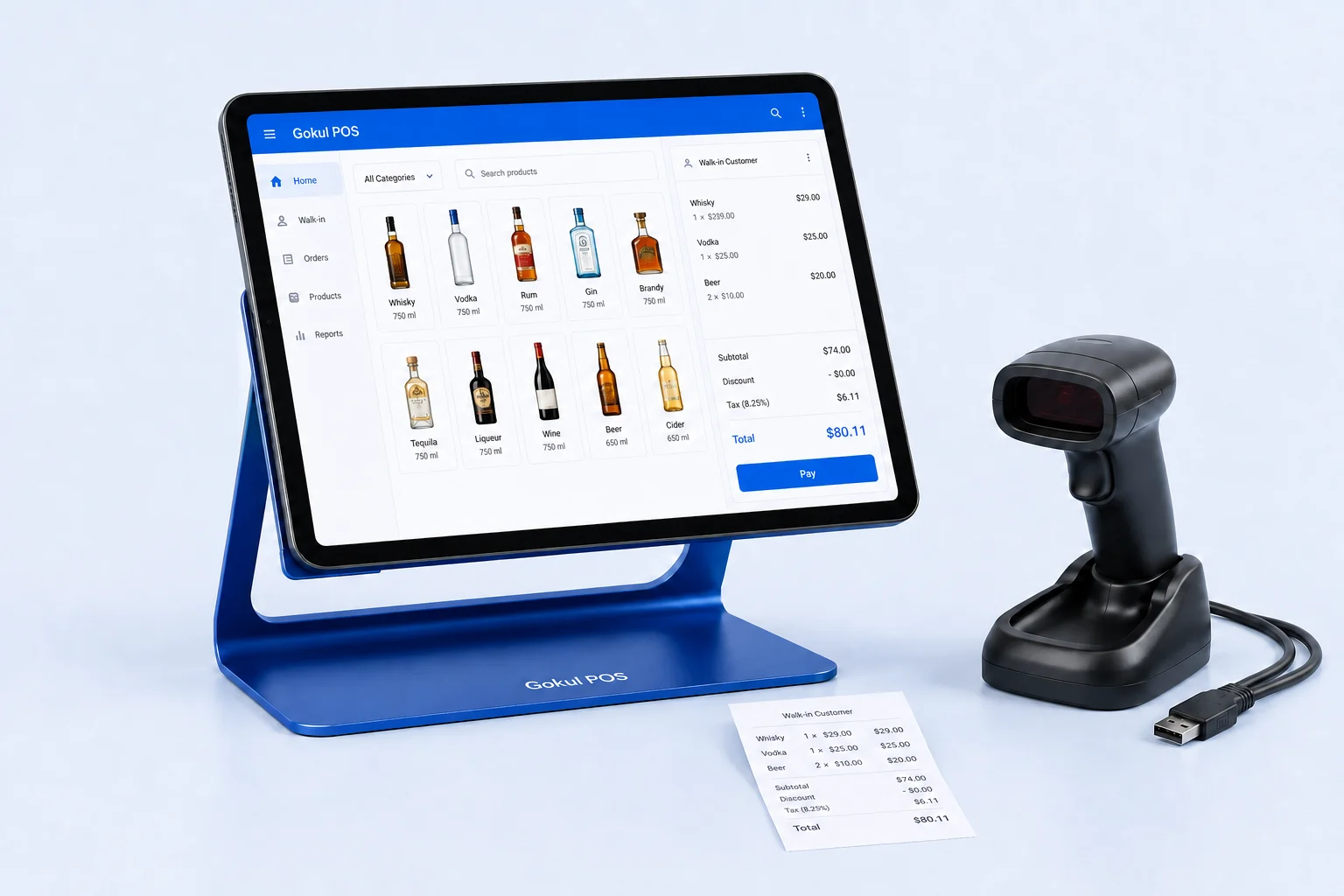 Hardware illustration · Final models confirmed in your quote
A neighborhood shop or a busier floor. Put an iPad, a physical barcode scanner and a tablet stand at the center of your store.
Start with the way you sell. Shape the setup around the work your team does every day.
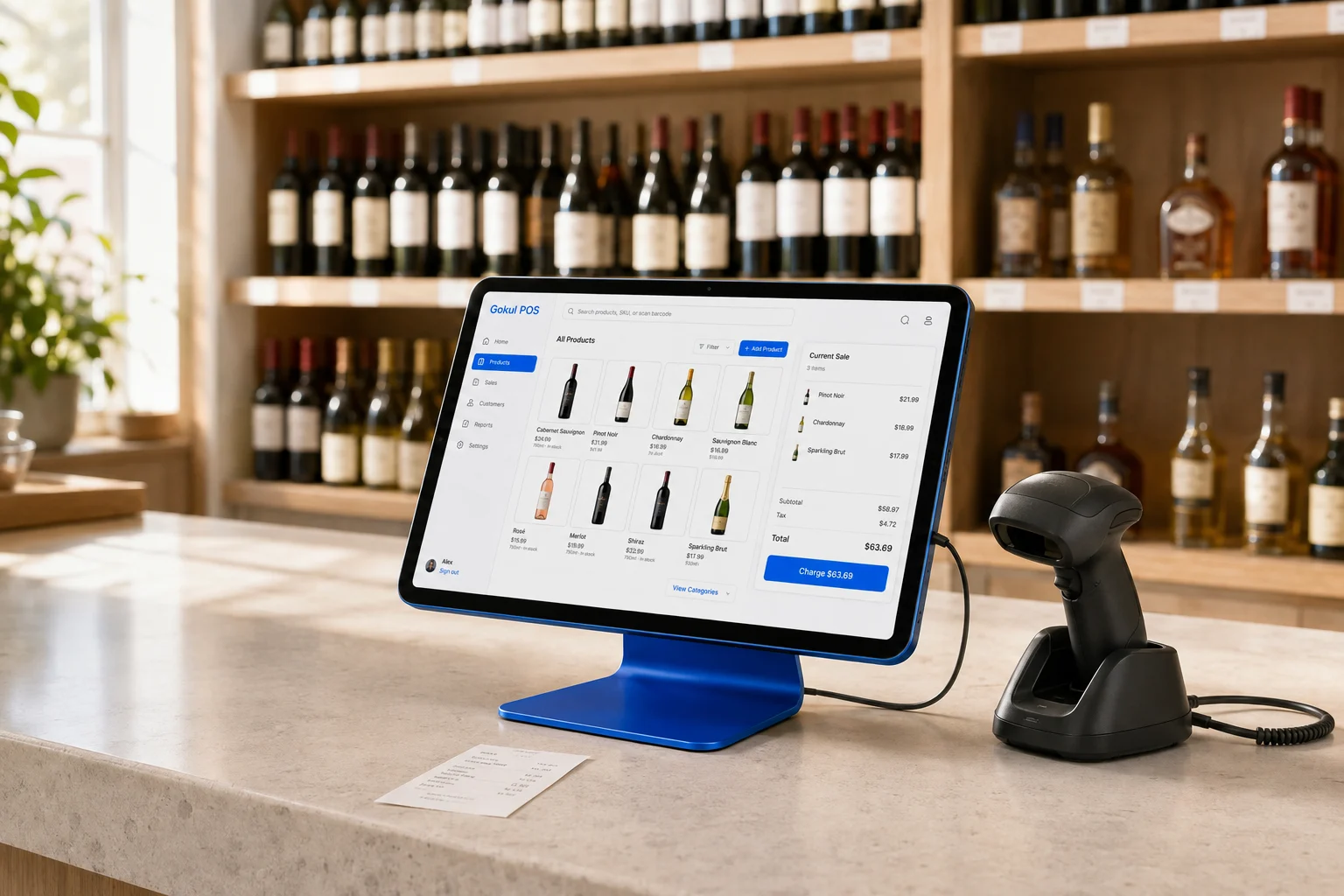
Bring the everyday work of your liquor store into one clear view, from finding a bottle to following up on a customer invoice.
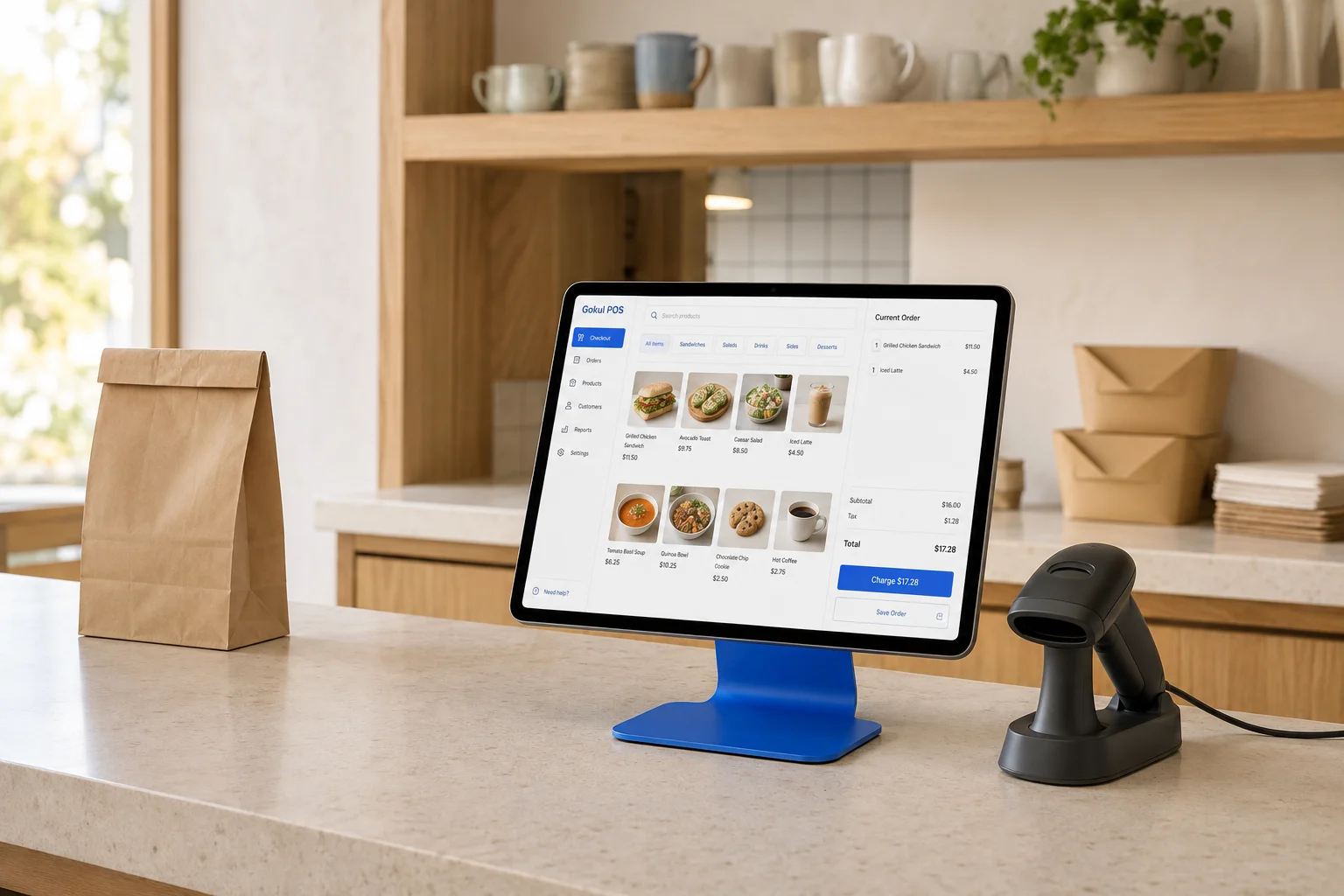
Explore a counter-service direction for your restaurant. Use the preview to define how your menu, staff, and order handoffs should work together.
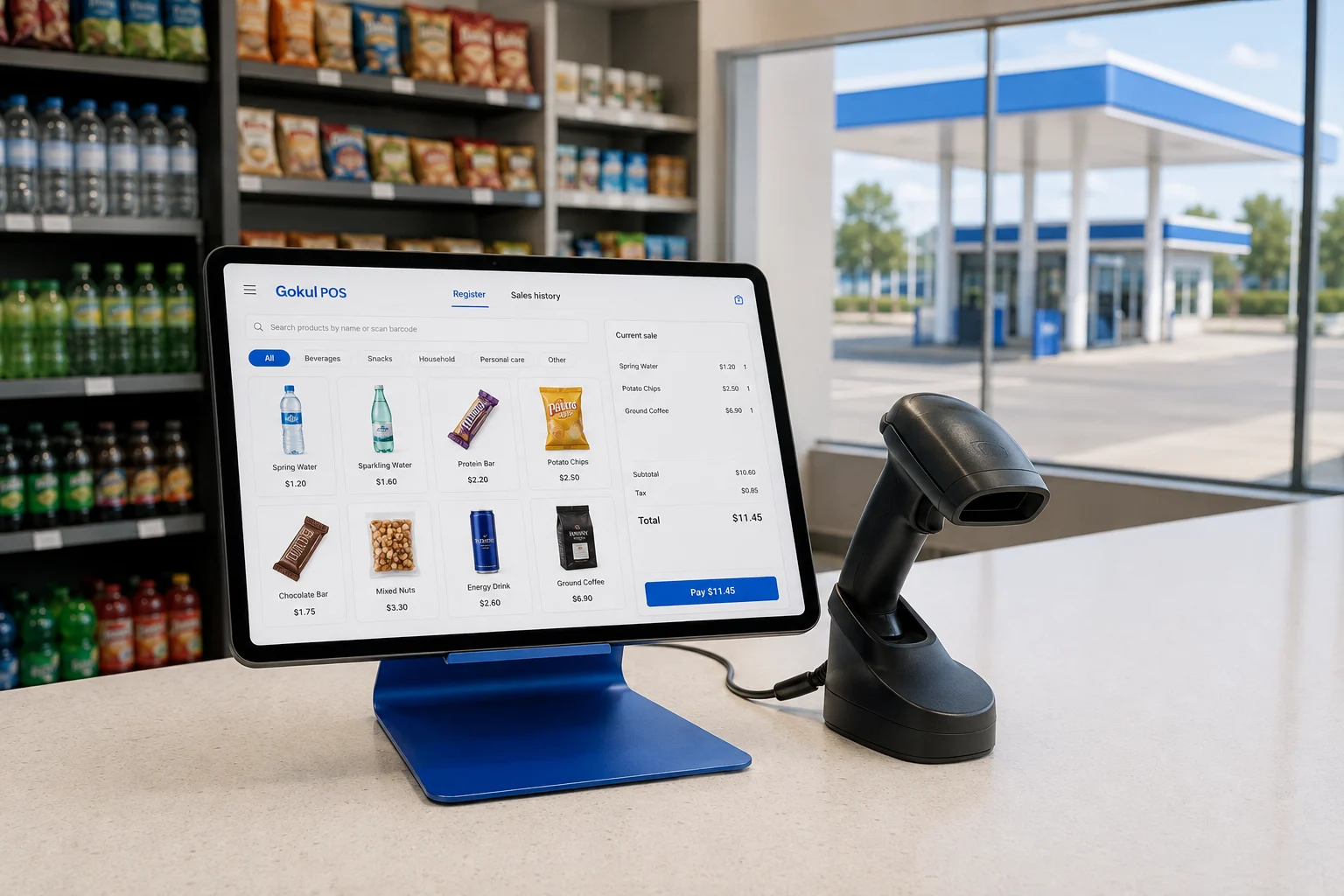
Start with the shop inside your station. Explore a checkout direction for everyday essentials, and define the requirements for your forecourt separately.
Configure percentage rates for your store and jurisdiction, then review how they apply at checkout. Confirm the rules your business needs before going live.
Your store has a personality. Your POS can have it, too. Explore a white-label setup with your name and colors, built around the way you work.
Make it yours White-label availability, scope and pricing are confirmed in your quote.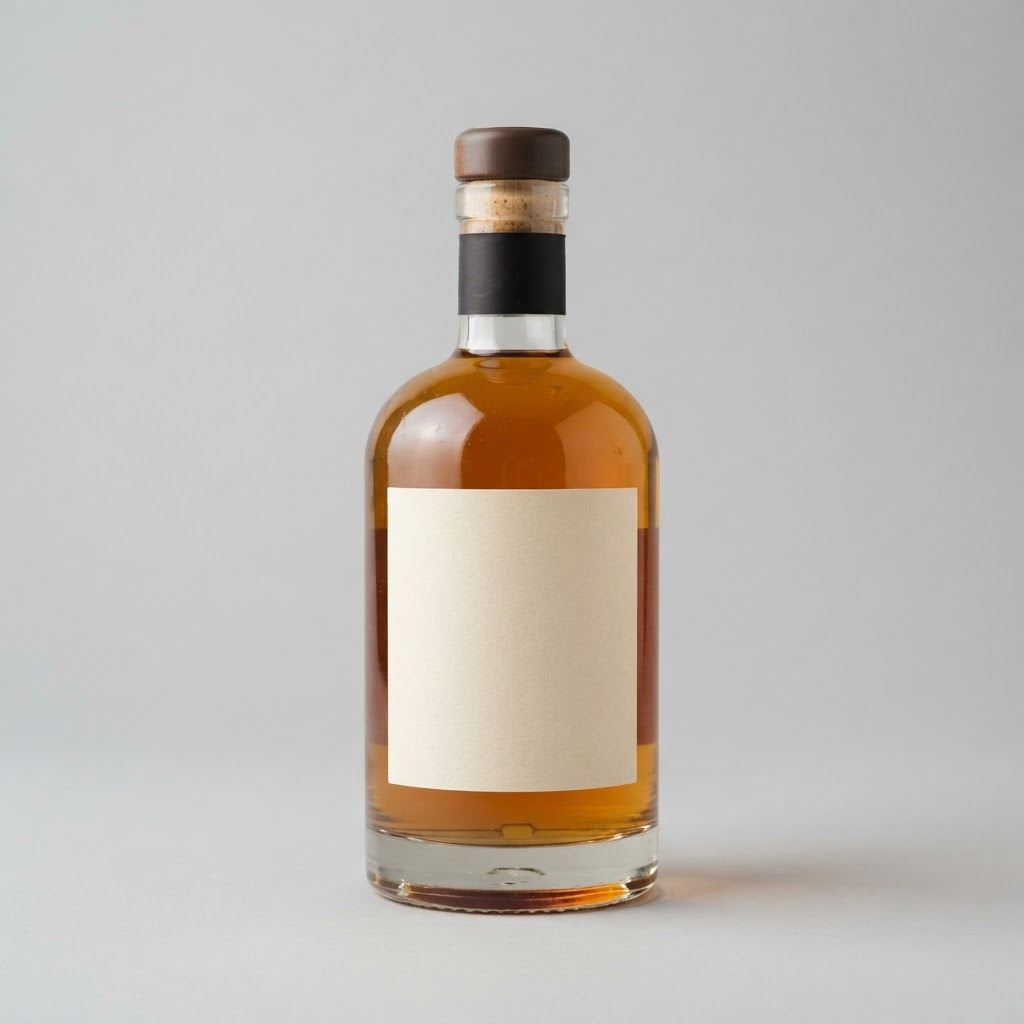 House bourbon$32.99
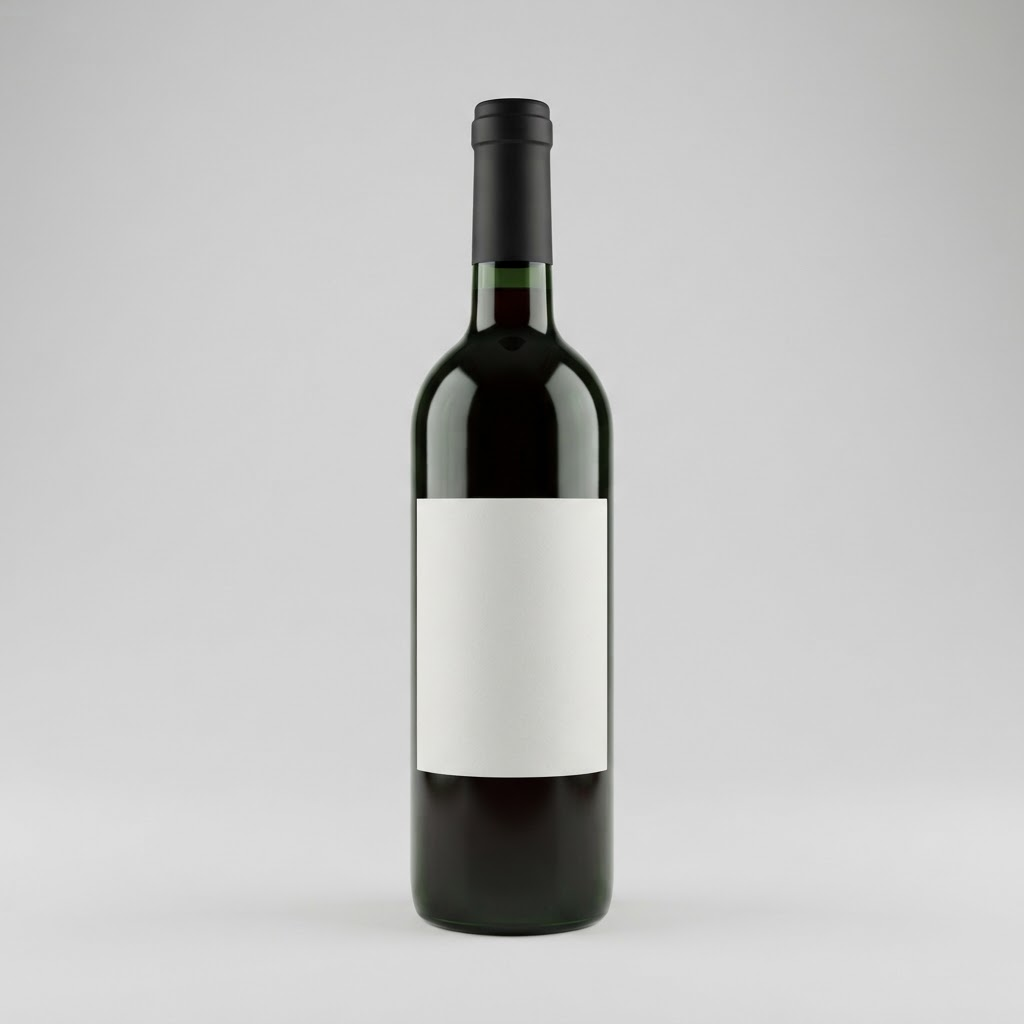 Red wine$18.99
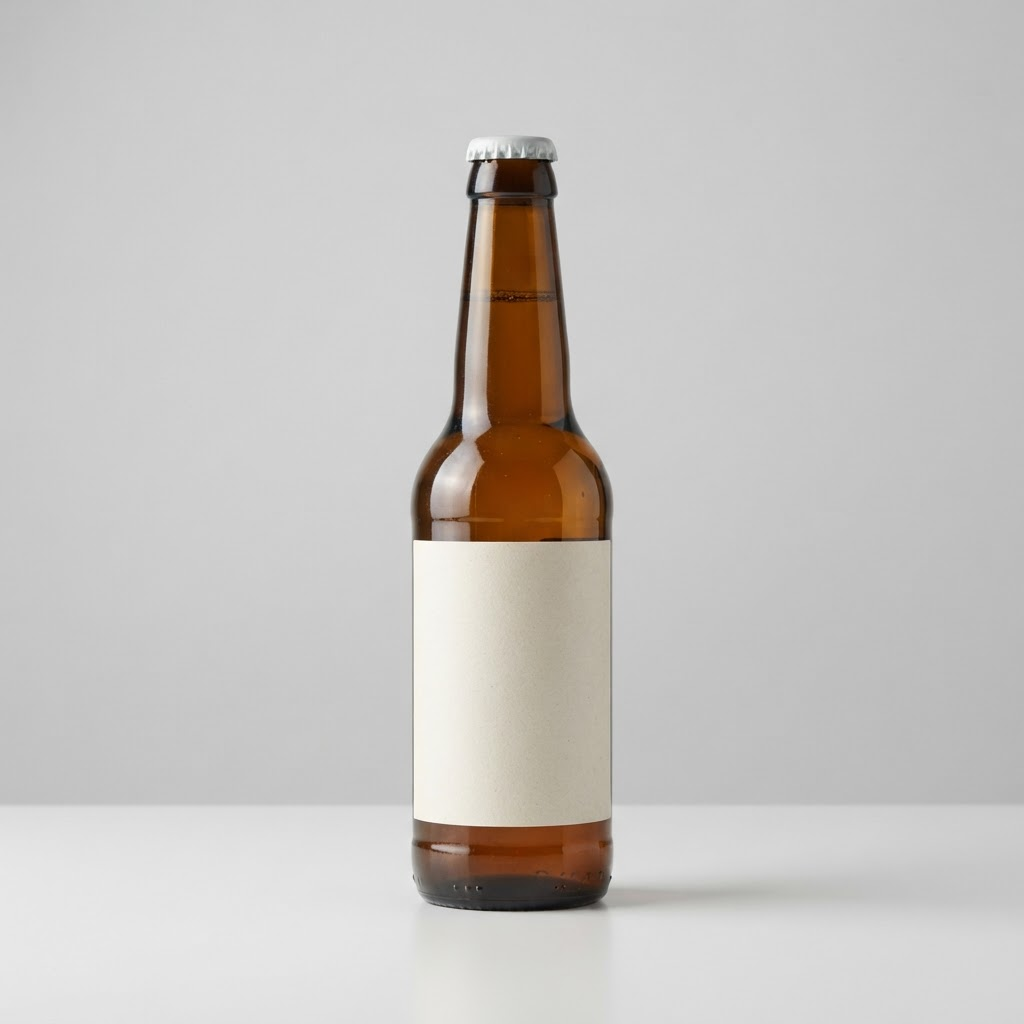 Craft beer$12.99
Your branding, illustrated. Explore the full workflow in the demo.
See the bigger picture, then get into the details. Explore an admin portfolio with 25 sample stores, switch locations, and see each store’s operations and branding in context.
Three register packages. Pay upfront or spread the package over 12 months, with support shown separately.
A GOOD PLACE TO START
Plan an iPad checkout counter with a practical checklist for scanners, stands, power, compatibility, and the hardware tests to complete before ordering.
Read the guide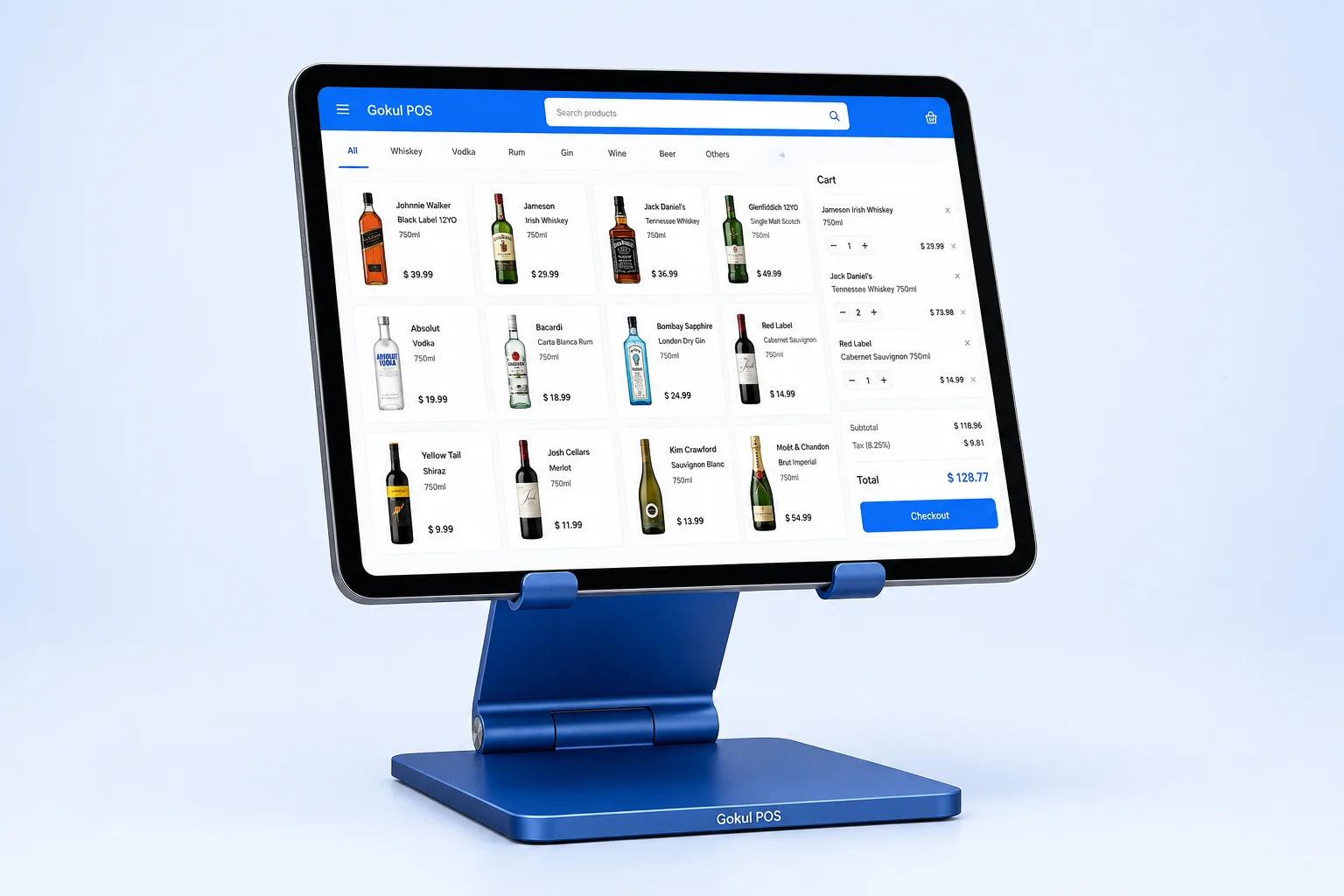
Compare payment readiness, daily retail workflows, hardware decisions, and total cost when evaluating Gokul POS alongside Square.
Read the guideCompare a liquor store POS package using a practical worksheet for equipment, twelve-payment illustrations, monthly support, processing, and year-two costs.
Read the guideGet to know your next POS
before you make a move.
Gokul POS brings together the everyday workflows of liquor, wine and beer retailers: ringing up a sale, checking stock, keeping customer records, and documenting age checks. Explore those workflows in the interactive demo.
Essential is scoped for one register, Growth for two, and Complete for three. Each package is built around the same core POS workflows. Hardware, setup, support details, and any store-specific requirements are confirmed in your quote.
The package price is divided into 12 principal payments, with monthly support added separately. The final principal payment is adjusted by a few cents where needed. Support does not pay down the package balance. Interest, fees, and taxes are not included in the illustration; final terms are confirmed in writing.
Yes, you can request a white-label setup. Try your store name and a brand color in the preview, then include white labeling in your quote request. The branding scope and any additional cost are agreed separately.
You can explore the dashboard, ring up sample sales, manage sample products and customers, and try the age-check workflow. It uses sample data and simulated payments; refreshing resets operational changes. It is not connected to a live store or payment processor.
The workflow helps staff record a birth date, check age eligibility, and keep a check history. It supports your store procedures; staff still need to inspect the ID and follow applicable requirements. Photo capture does not automatically authenticate a document.