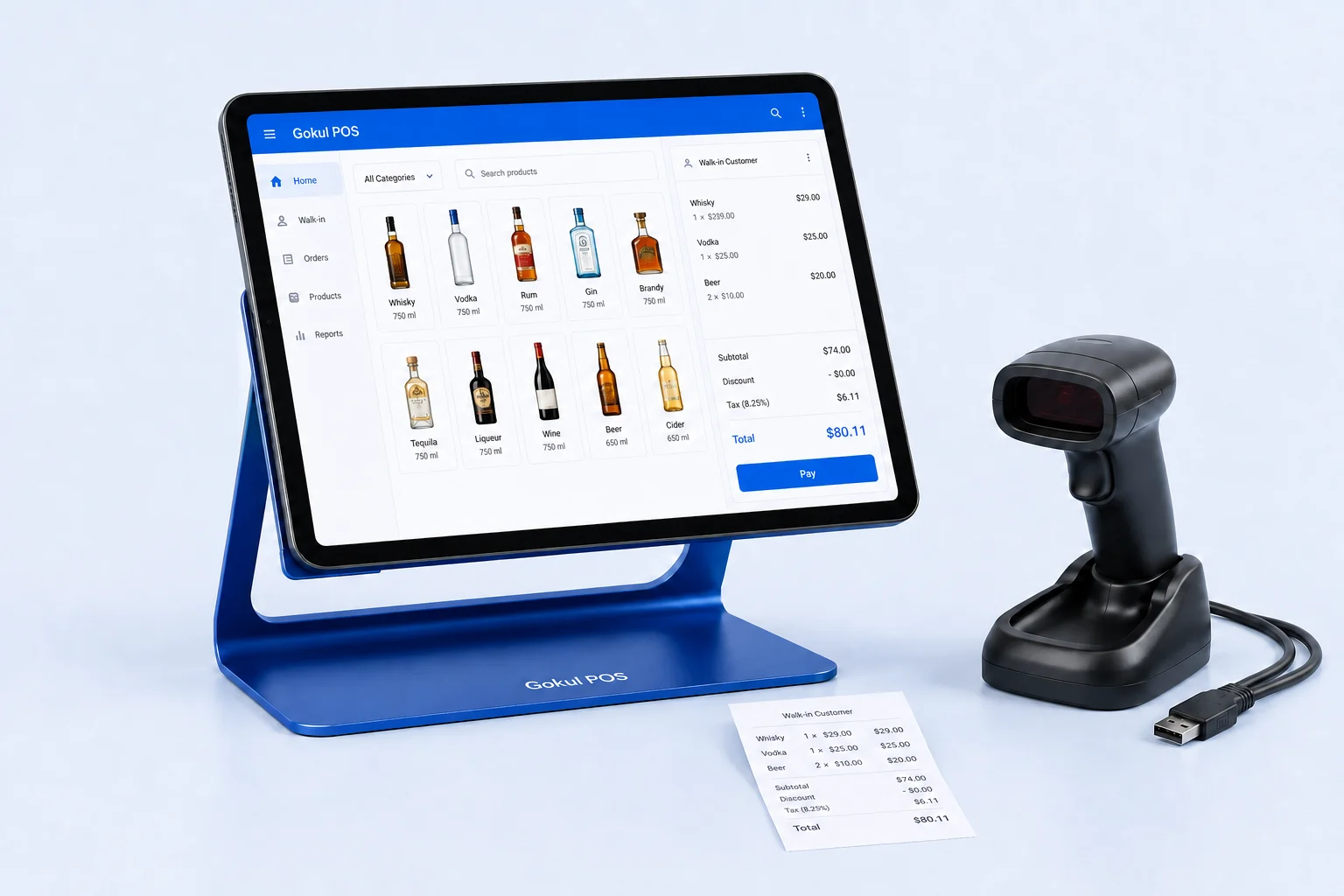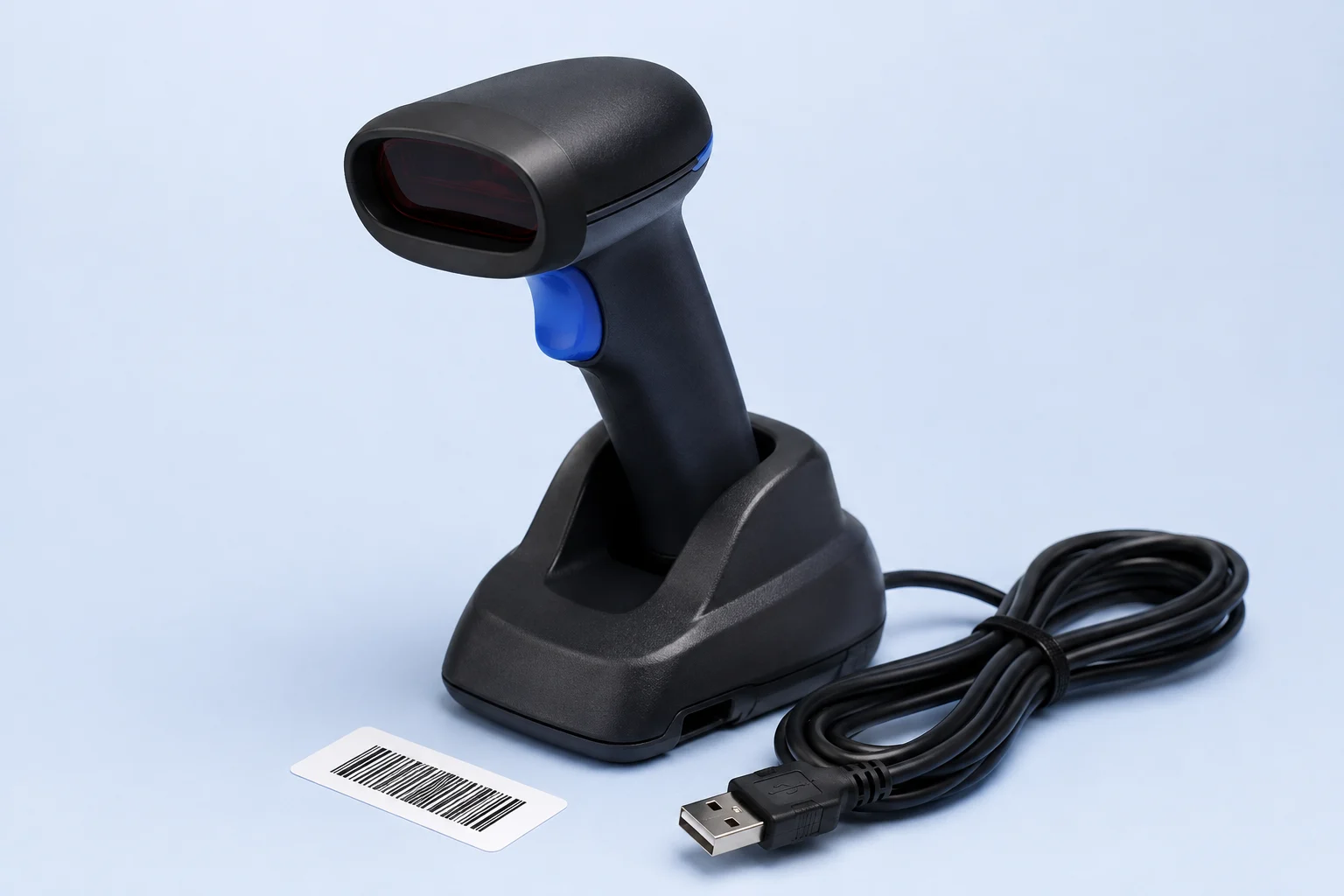
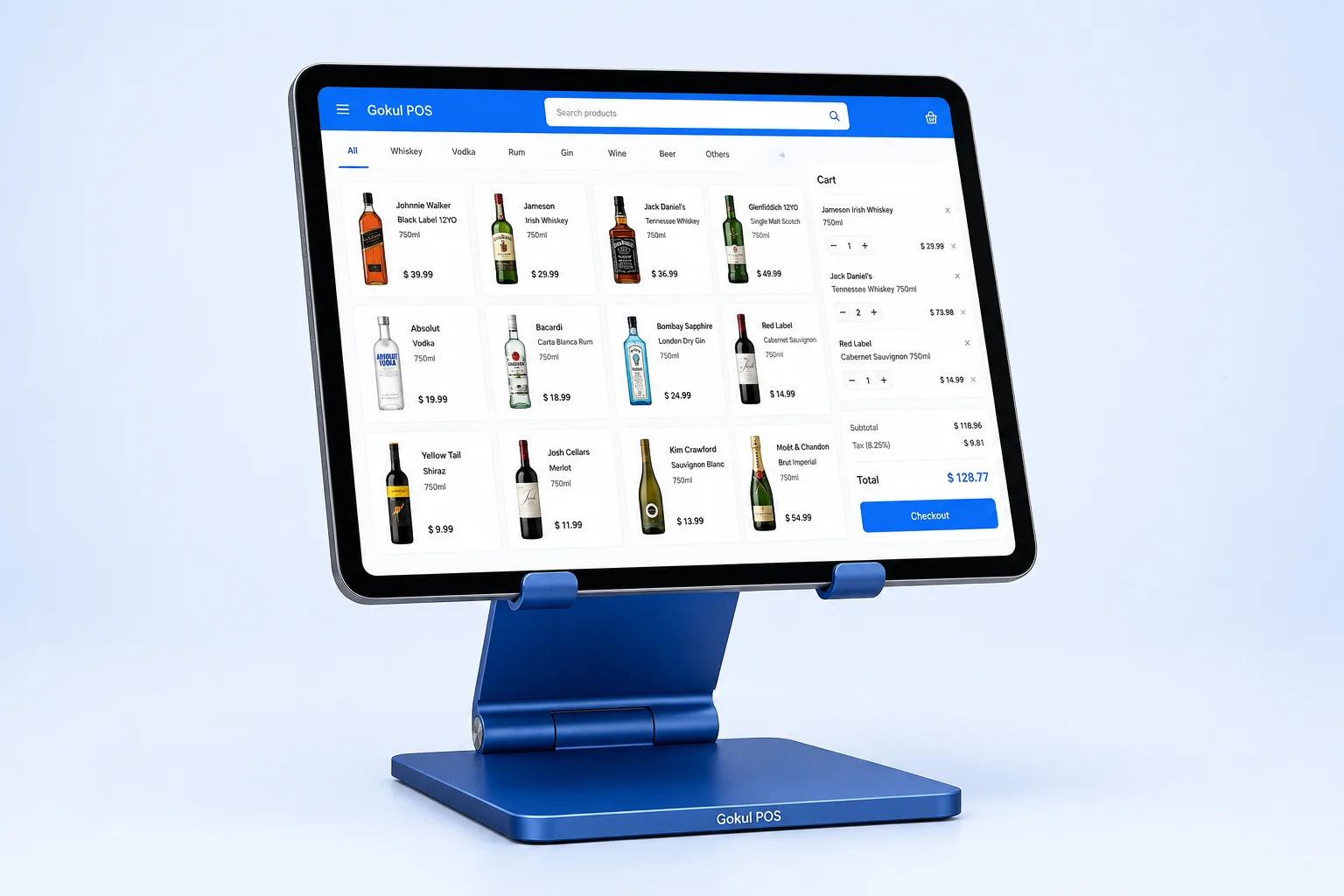
The monthly number on a POS proposal becomes useful when you know what it pays for. A register package, an installment toward that package, and ongoing support are different commitments. Payment processing, installation, and replacement equipment can add further lines. Compare those lines over the same period before choosing a setup.
This guide uses Gokul POS’s proposed packages as an arithmetic example for a purchasing worksheet. It does not provide financing advice or approved credit terms. Gokul POS currently offers an early browser demo with sample data and simulated payments; a production deployment still requires a defined scope and written quote.
Start with a register requirement
Count the stations you need simultaneously, then describe why. A second station might serve a second cashier during a weekend rush. It might also be intended for receiving stock, which raises a different question about whether a full checkout package is necessary. Do not let a package tier substitute for this operational decision.
For one representative week, record when a line forms, how many employees are available, and what slows checkout. If barcode lookup or age checks create the delay, an extra station alone may leave that step unchanged. Use the hardware checklist to identify equipment and workflow requirements before assigning a budget.
Separate the proposed package from support
The proposed Gokul POS package amounts are $5,000 for one register, $6,000 for two, and $7,000 for three. The illustration spreads each package amount across twelve capital payments and adds monthly support of $150, $225, or $300 respectively. Support is additional to the package amount.
| Proposed setup | Package amount | Monthly support | Combined payments 1–11 | Combined payment 12 | Illustrated first-year total |
|---|---|---|---|---|---|
| One register | $5,000 | $150 | $566.67 | $566.63 | $6,800 |
| Two registers | $6,000 | $225 | $725.00 | $725.00 | $8,700 |
| Three registers | $7,000 | $300 | $883.33 | $883.37 | $10,600 |
The final installment corrects rounding so the capital payments equal the stated package amount. For example, eleven payments of $416.67 and one of $416.63 total $5,000; twelve support payments add $1,800.
These figures do not establish an APR, financing approval, or an all-inclusive price. Taxes, fees, processing, and financing charges are not included in this arithmetic illustration. Confirm applicable amounts and payment terms in writing. Review the current proposal on the pricing page.
Add the costs that sit outside the headline
Build a worksheet with columns for the item, vendor, amount, due date, recurring frequency, and whether it is confirmed or estimated. Separate one-time expenses from monthly expenses, an approach also recommended in the Small Business Administration’s startup-cost guidance. SBA business planning and startup costs.
Include these prompts in your quote review:
- Exact iPad, scanner, stand, cables, and accessories proposed for each station.
- Installation, catalog preparation, staff training, and travel charges.
- Software subscriptions or additional modules required for your workflow.
- Processor charges, terminal costs, and any recurring payment-service fees.
- Printer supplies, replacement equipment, and network work.
- Taxes, financing charges, and cancellation or exit costs where applicable.
Mark an unknown amount as “quote required” rather than entering zero. When comparing vendors, use identical register counts and the same assumed transaction activity. A software subscription and a package containing equipment cannot be compared fairly by their monthly figures alone.
Define what support will actually do
Ask for support deliverables in plain language. For each issue, identify the contact channel, available hours, initial response expectation, and escalation process. An answer to “who handles this?” is more useful when attached to a concrete event.
Use three example tickets: the scanner stops entering barcodes, an employee needs help correcting a product record, and a payment total differs from settlement. The last scenario requires clarity about the processor’s responsibilities as well as the software provider’s. Current Gokul POS simulated payments cannot demonstrate that production support path.
Record whether support includes remote configuration, replacement coordination, training for new hires, or only troubleshooting. Distinguish an initial response from a resolution deadline. Ask what happens outside covered hours and what additional work requires a separate quote.
Model the second year and a changed store
The illustrated capital schedule ends after twelve payments. Year-two support is reviewed separately; do not assume the original monthly support rate continues indefinitely or disappears when the package is paid.
Create a second-year worksheet with an explicitly unconfirmed support amount until a renewal quote is available. Add any expected replacements or additional stations separately. Ask when renewal pricing will be supplied and how notice, cancellation, equipment ownership, and data export work under the actual agreement.
Then test a change: suppose you need another register halfway through the year. Ask whether it triggers a new package, a prorated service charge, installation, or different support coverage. Keep this as a requested scenario, not an assumed upgrade policy. A written answer makes future expansion easier to compare.
Leave the demo with a short decision record
Open the Gokul POS demo and perform catalog lookup, a held sale, and a customer invoice with sample information. Record which tasks fit your team and which need changes. Keep workflow acceptance alongside the cost worksheet so a favorable price does not obscure an unmet requirement.
Before choosing, answer three questions: What is the total confirmed cash outlay in year one? Which costs remain unquoted? Who owns each support problem during trading hours? The next useful document is a complete proposal with equipment, payment readiness, installation, support, and renewal terms attached to the same store requirements.