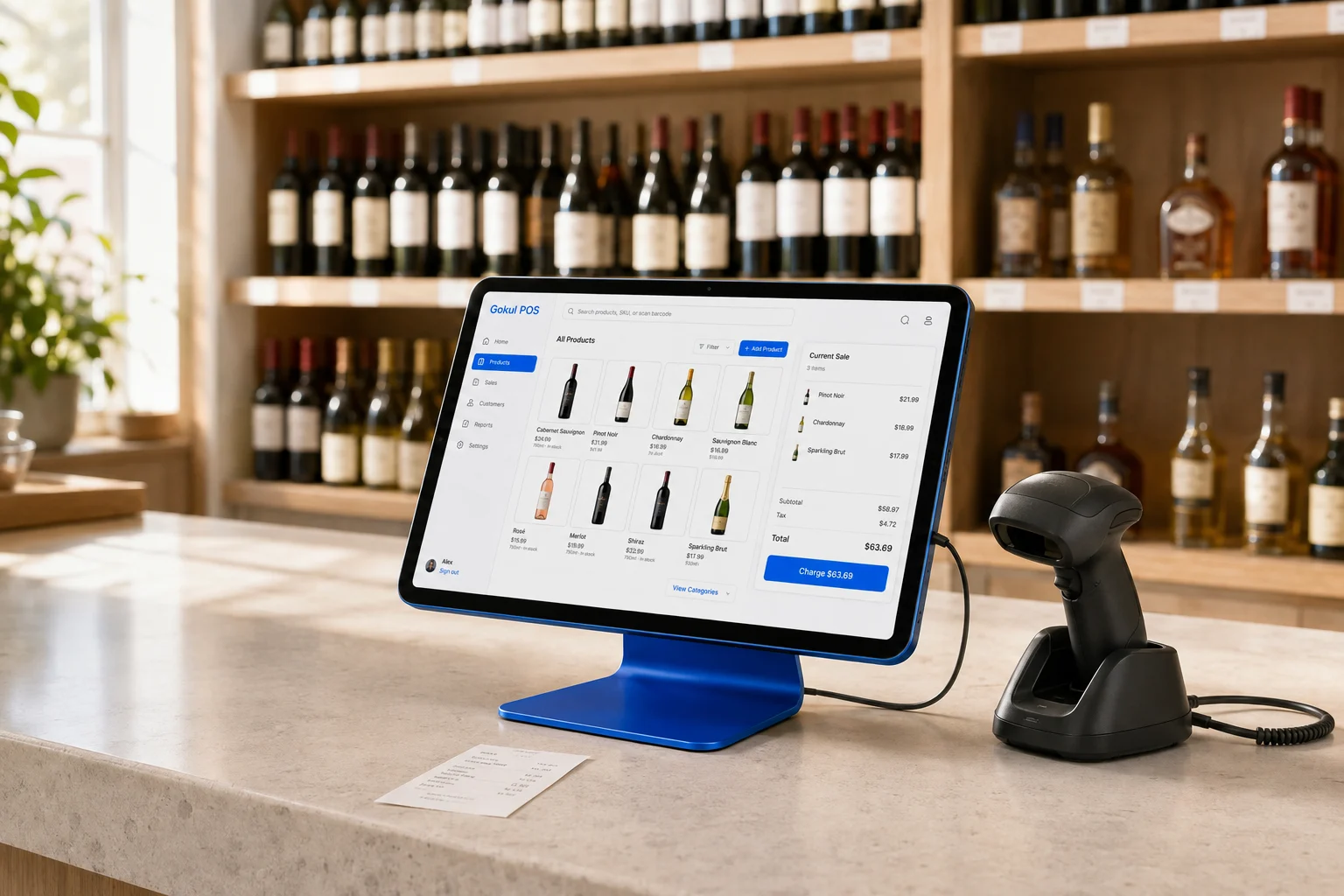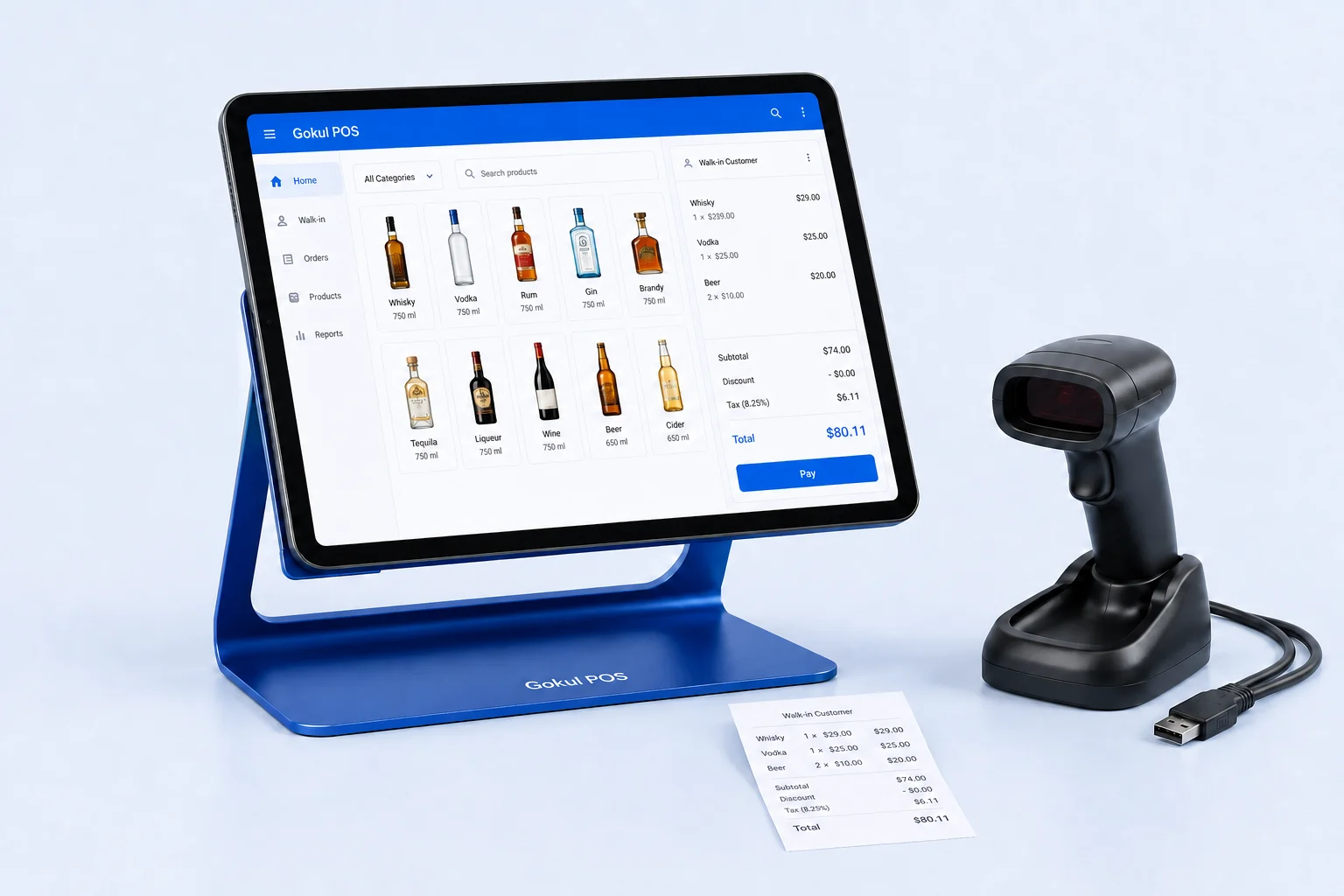
An age-check screen handles one part of an alcohol sale. Staff also need to know when to request identification, how to assess an acceptable document, when to stop, and who will support a refusal. Design those decisions as one repeatable routine, then use software to rehearse the parts it actually supports.
Gokul POS currently demonstrates date-of-birth entry, a calculated 21+ result, optional camera photo capture, and an ID-log CSV export. It is an early browser demo with sample data and simulated payments. Those functions do not establish document authenticity, legal compliance, or a production identity-verification service.
Begin with the rules for your location
Assign someone to maintain the store’s written policy and its source references. Identify the applicable jurisdiction, license conditions, accepted identification, training requirements, and escalation contacts. Have a qualified local adviser or licensing authority resolve uncertain requirements before using the policy for real sales.
California provides a specific example. Its Department of Alcoholic Beverage Control identifies 21 as the state’s legal drinking age and gives guidance on acceptable identification, including validity and photo checks. Other jurisdictions and individual circumstances need their own review. California ABC identification guidance.
Keep the policy accessible at the register. Give it a version date and name its owner so employees can distinguish current instructions from an old printout. A generic software label should never become the store’s only policy reference.
Separate document review from age calculation
Write the workflow as distinct decisions: request the appropriate document under store policy, assess the document and its relationship to the customer, establish the relevant date of birth, and decide whether to proceed. A calculated age answers a narrower question than whether a sale is permissible.
California ABC recommends a methodical inspection and advises refusing an alcohol sale when there is doubt about the identification. It also emphasizes management support for employees who refuse service. These are California examples to discuss while preparing your local routine. California ABC checking guidance.
In Gokul POS, typing a birth date produces an age result. The optional camera function captures a photo; it does not perform OCR, authenticate a document, or verify that it belongs to the person presenting it. Do not describe the camera control as an automatic ID scanner or let a successful photo substitute for review.
Practice date entry with fictional examples
Use fictional dates and training records throughout the demo. Prepare an expected answer sheet based on the exercise date. Include someone whose twenty-first birthday is today, someone whose birthday is tomorrow, and someone older than the threshold. Add a mistyped year and a future date to explore error handling.
Have two employees complete the same exercise independently:
- State the date used for the exercise and the intended birth date.
- Enter the date and read it back before interpreting the result.
- Compare the displayed result with the prepared answer.
- Correct an intentional entry error and inspect what changes.
- Explain what the screen cannot establish about the document or customer.
Record uncertainty as a training or product question. Pay particular attention to month/day confusion and how an employee notices an accidental entry. Before production use, require the provider to explain device-date assumptions, invalid-date handling, and the behavior around birthdays.
Rehearse refusal and manager handoff
Create a short scenario in which the age calculation passes but the employee cannot accept the identification under the store’s policy. The employee should practice stopping the sale, giving a brief explanation, and following the agreed manager process. A manager handoff should help resolve uncertainty without pressuring staff to ignore policy.
Use a second scenario where the customer becomes impatient while others are waiting. Agree on who manages the queue and where the cashier can find help. Keep the exercise focused on consistent behavior and the store’s documented process.
California ABC’s model store policies encourage clear written policies, employee communication, and recurring training. They are guidance for California off-sale licensees, rather than a nationwide policy template. California ABC model store policies.
After practice, ask the employee to explain the next step without looking at the software. That exposes gaps a successful screen interaction can conceal.
Make a deliberate decision about records
Before collecting real identification information, define which records your operation needs, why it needs them, who may access them, and how long they should remain available. Resolve applicable legal and privacy requirements for your jurisdiction and business. Do not infer a requirement to retain ID photographs from the presence of a camera button.
Use the Gokul POS ID-log CSV export with fictional entries to inspect the proposed review workflow. Check which fields appear, whether the store context is understandable, and how a manager would locate a training example. Ask the provider how production access, correction, export, deletion, and retention would work.
The browser demonstration does not establish a secure production archive or centrally enforced access controls. Avoid uploading genuine customer IDs during evaluation. Treat the exercise as a way to specify the necessary record process before selecting a production implementation.
Evaluate the complete routine in a demo
Set up a rehearsal that begins with merchandise arriving at the counter and ends with either an approved training scenario or a stopped sale. Include an interruption: a held cart, a second employee, or an incorrect birth date. Observe whether the employee can tell which checks have occurred and what must happen next.
Open the Gokul POS demo and use sample information to test the supported steps. Pair the exercise with the hardware checklist if you are evaluating counter layout or camera positioning.
Leave with three answered questions: Does the routine match the store’s reviewed local policy? Can employees explain why an age result alone is insufficient? Which production controls still need a demonstration and written agreement? Those answers provide a clearer training plan than a checked box labeled age verification.