If a liquor-store owner spends delivery days correcting invoices, the most valuable POS demonstration may happen behind the counter before the first sale. Receiving automation deserves attention, but its value depends on how well the system handles the awkward lines: an unfamiliar barcode, an unexpected pack size, or a delivery that does not match the paperwork.
Bottle POS is an established vendor focused on liquor retail. Gokul POS currently provides an early interactive demo with sample products, stock adjustments, customer invoices, and simulated checkout. Comparing them fairly means separating a production receiving service from an interface that helps you describe the workflow you want to build.
Match the service to your actual distributors
Bottle POS describes supplier-connected auto invoicing in which imported invoices appear in its receiving area for review and finalization. Its inventory page also describes Fintech vendor integration and a separate mobile workflow that uses OCR to read paper invoices. Bottle POS auto invoicing, Bottle POS inventory tools.
Create a list of the distributors you actually buy from, including occasional specialty suppliers. Ask Bottle POS to mark which delivery method each would use in your account: a connected invoice, a scanned document, or manual entry. Obtain the expected setup requirements and fees for each path.
A supplier name on an integration list is a starting point. Have the vendor process a representative invoice from your account and show the destination store, item matching, and quantities. Gokul’s present demo does not provide distributor integrations or automated supplier receiving, so those are explicit development requirements if they are essential to your buying decision.
Judge the review screen by the mistakes it exposes
Bottle POS’s auto-invoicing walkthrough describes linking a changed barcode to an existing item, reviewing cost and margin changes, and checking units per case before committing the invoice. The walkthrough states that a finalized invoice cannot be changed. Confirm the current correction procedure during your demo. Bottle POS receiving walkthrough.
For an independent trial, prepare an invoice with one deliberate error in each of three fields: quantity, item identity, and cost. Ask a staff member who did not create the test to review it. Observe whether they find all three without being told where to look.
Measure the time spent reviewing and correcting, as well as the time saved entering data. A fast import that requires the owner to inspect every line twice may solve a smaller part of the problem than expected. Keep the original document next to the resulting inventory record so the comparison has a clear source of truth.
Require a route for deliveries that do not fit
Ask what happens when the truck arrives before its electronic invoice, when one shipment serves two locations, or when a supplier sends a credit later. These are proposed trial scenarios, not assumptions about either product’s behavior. The goal is to discover which situations staff can resolve themselves and which require support.
Write down who owns each unresolved exception and whether stock becomes available for sale before the discrepancy is settled. Test the most common exception at your store all the way through its correction. A status such as “received” needs an operational meaning everyone shares.
Gokul’s manual stock controls can support a discussion about adjustments, and its customer invoices let you explore money owed by customers. Those customer invoices should not be confused with supplier receiving documents or accounts-payable automation. Show the vendor both document types when describing the proposed workflow.
Follow received stock into a buying decision
Bottle POS documents case and bottle relationships, purchase-order generation based on historical sales, and product rankings. These are relevant tools to explore after confirming that opening quantities and receiving units are correct. Bottle POS inventory management.
Use a hypothetical seasonal item to test the decision process. Give it strong sales during an event and little demand afterward. Ask the demonstrator to explain the period used for a reorder suggestion and show how an owner can challenge the result. The purpose is to understand the calculation and available controls, rather than accept a suggested quantity because it appears automatically.
Gokul’s Laddu demo produces supported answers from the selected store’s sample records using deterministic calculations, with an optional opt-in live AI path. It can help you explore questions about recorded sales and stock. It does not establish automated purchasing, demand forecasting, or an invoice-reading service.
Check the counter after the back-office demonstration
Bottle POS describes built-in loyalty rewards and ID scanners that calculate age and check expiration dates. Confirm the specific hardware and account setup for the capabilities you intend to use. Bottle POS liquor-store solution.
Have a cashier find a newly received product, scan it, hold the sale, and resume it. Use a second bottle size to check that staff can distinguish similar items quickly. Include the age-check action in the sequence so you can assess the whole interaction.
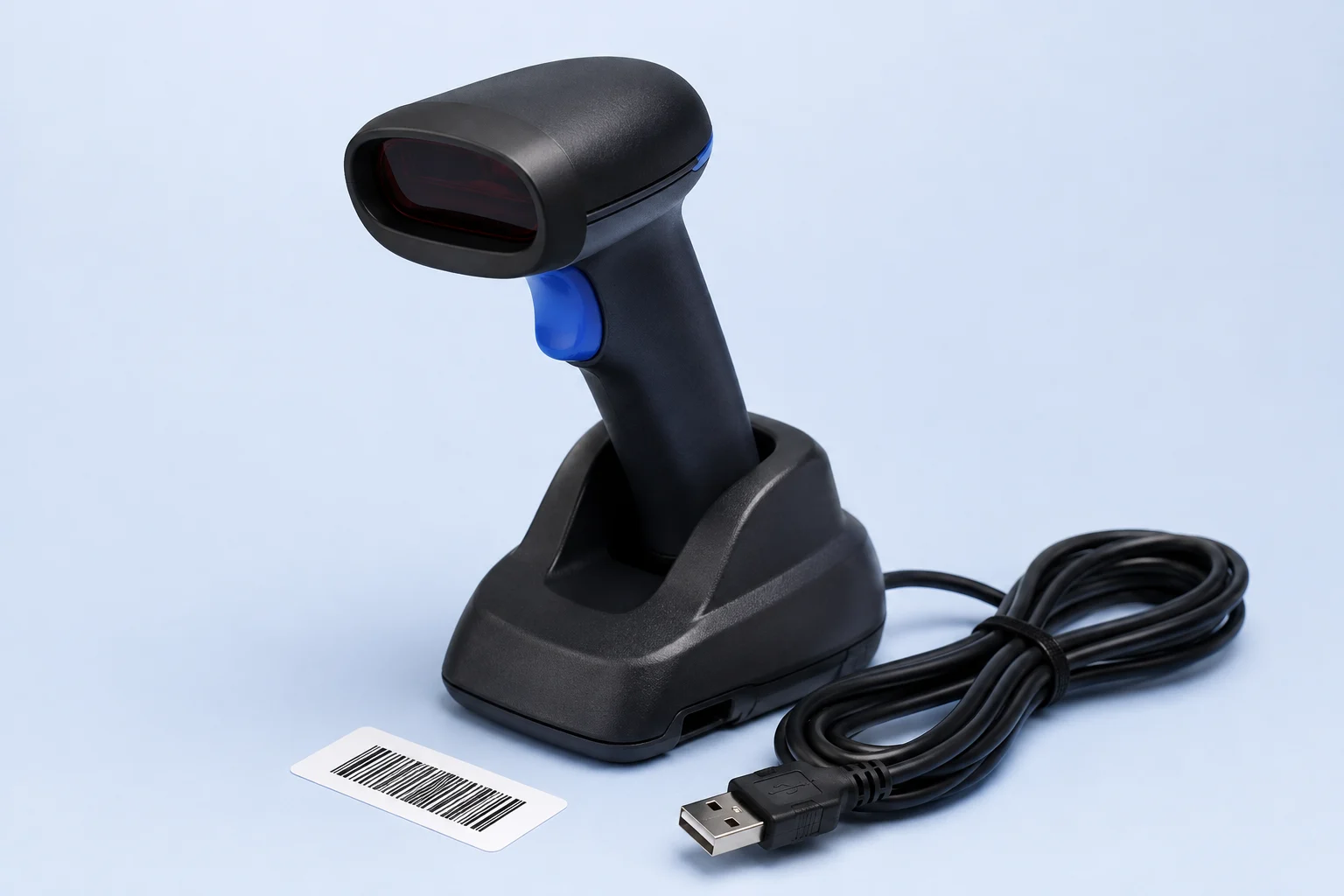
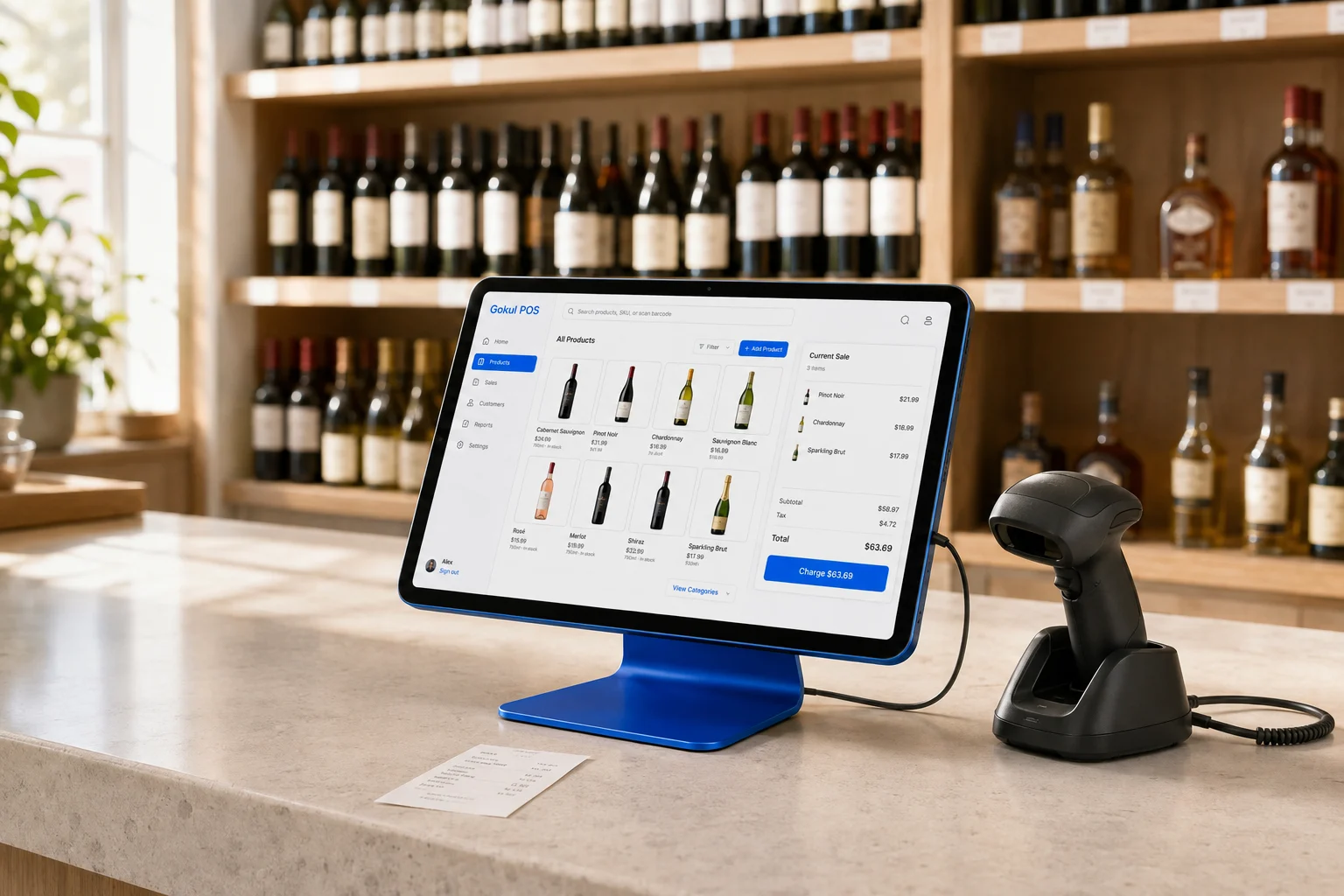
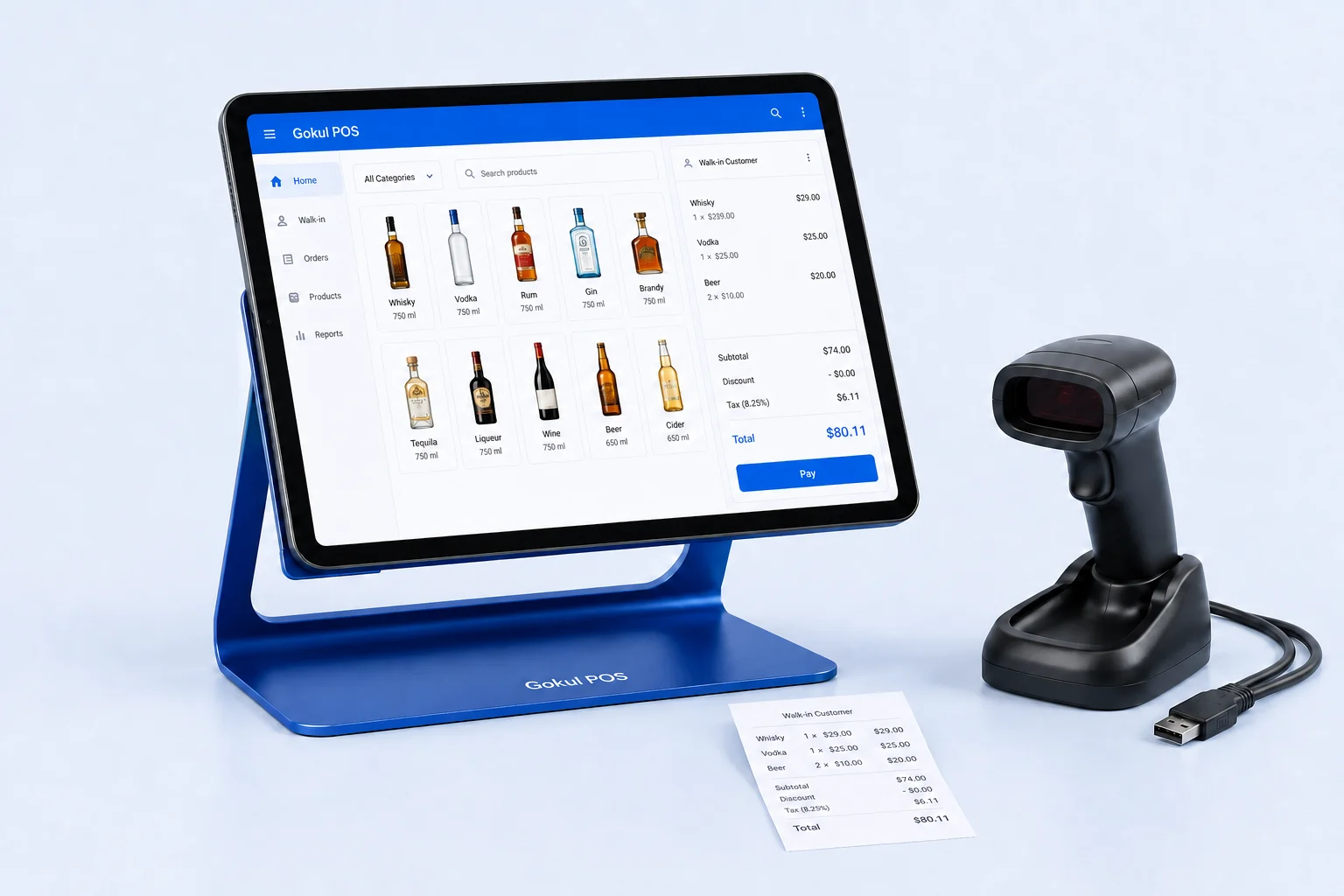
Gokul demonstrates barcode or SKU search, held tabs, date-of-birth age calculations, and camera photo capture. Its camera does not read the ID through OCR or establish authenticity. Sample ID-check CSV exports are available, but a production proposal must define the actual equipment, record handling, and staff workflow.
Put the receiving result in the purchase decision
Bottle POS warrants a close trial when reducing supplier invoice work is your main priority. Request a quote tied to your distributor list, receiving methods, locations, hardware, and support needs. Use the completed trial to estimate the work your team would still perform each week.
For a tailored Gokul proposal, start with the demo and make the missing receiving capabilities explicit. The package illustration spreads capital across twelve payments plus monthly support, with support reviewed for year two; it is not approved financing. Confirm the proposed iPad, physical scanner, stand, and implementation scope in writing. Choose the proposal whose demonstrated receiving process resolves your actual exceptions and produces stock figures your team can explain.