A dashboard showing 25 stores raises a practical question: can the right employee make the right decision for the right location? A portfolio total is useful only when people understand which stores it covers, where its numbers came from, and what actions their access allows.
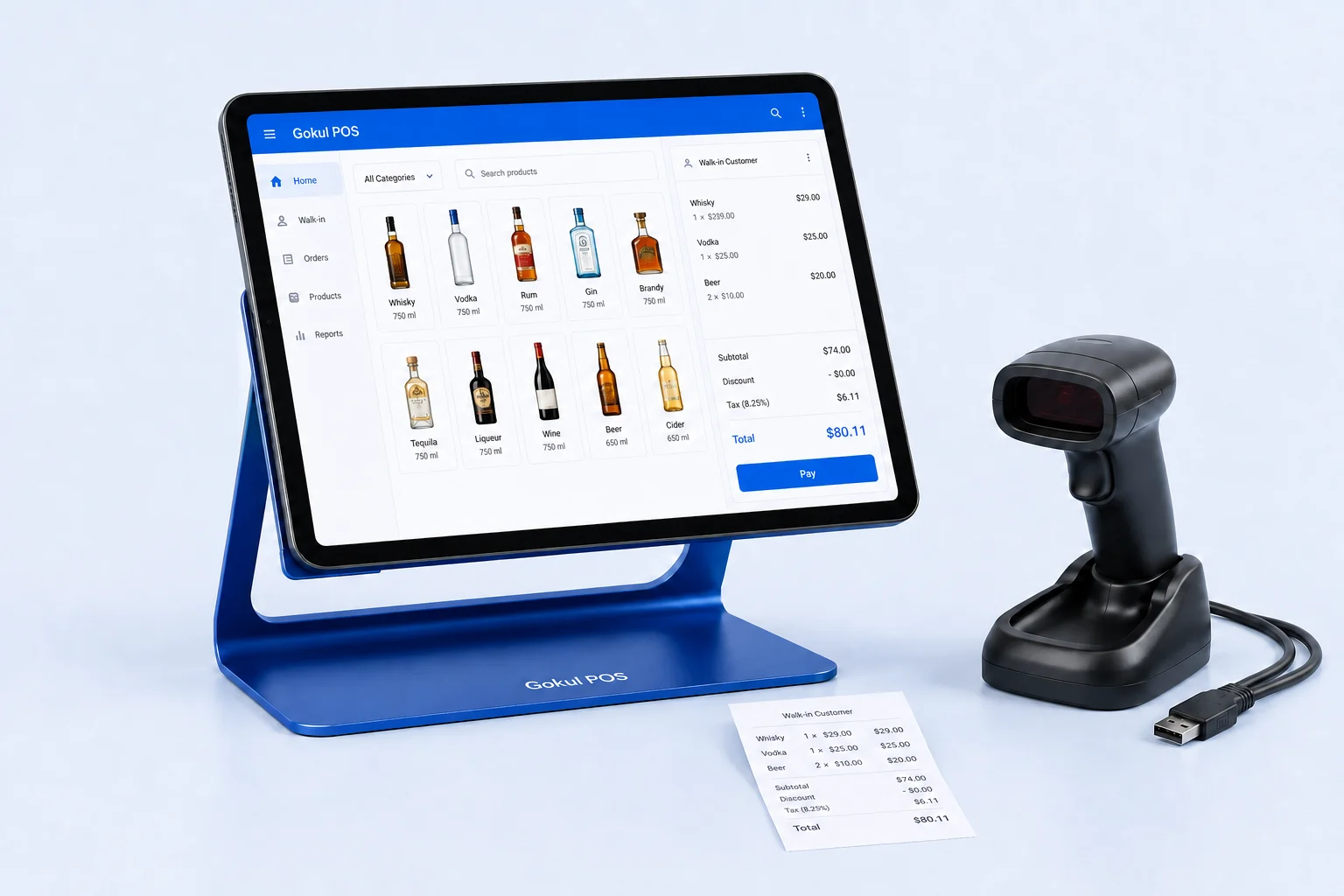
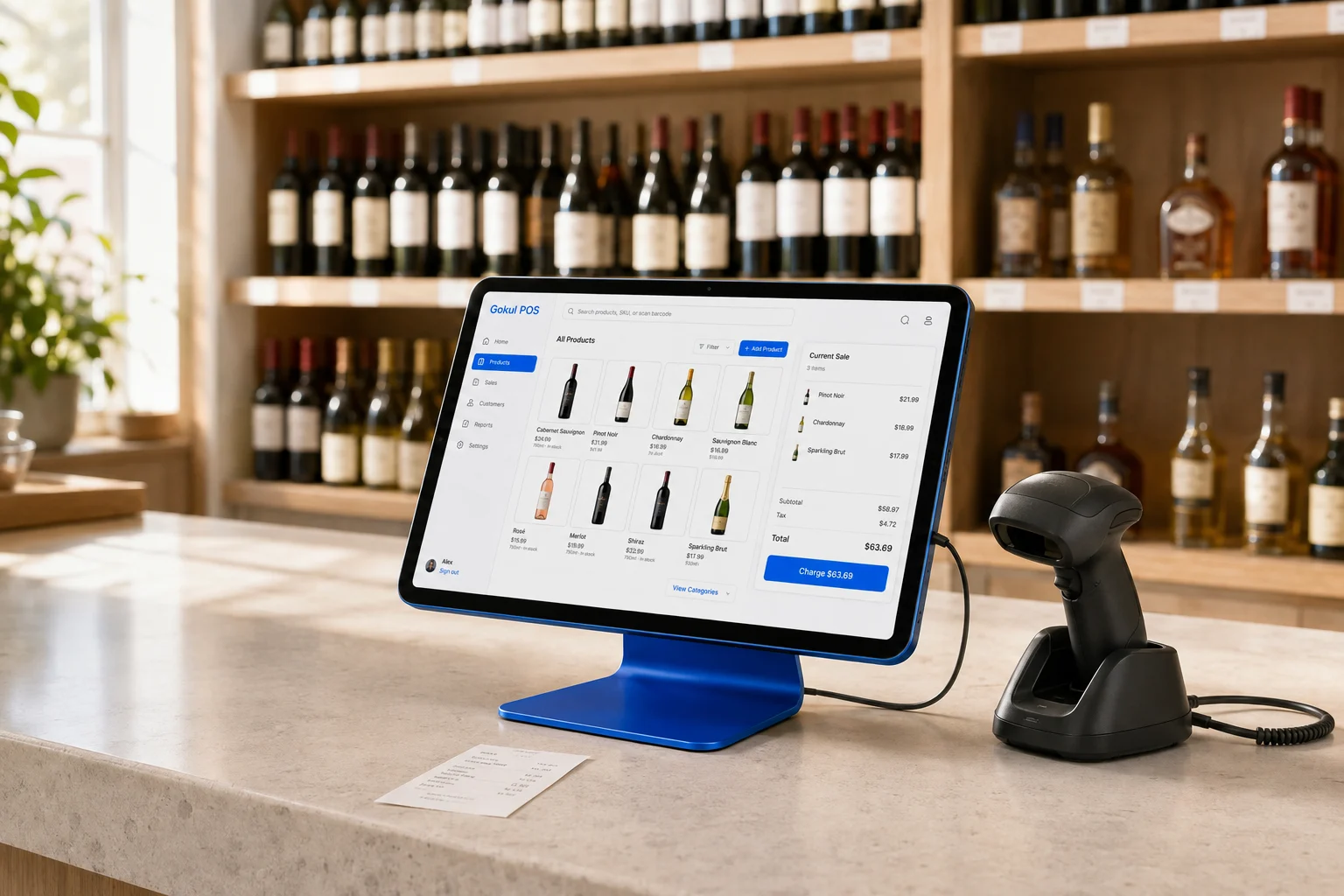
The Gokul POS demo contains 25 sample stores across five businesses. Its admin portfolio, locally scoped operational records, and store branding illustrate how navigation could work. They do not establish a production service connecting 25 stores. Use the sample portfolio to write and test your operating requirements before discussing a rollout.
Map businesses, stores, and staff separately
Draw a simple map with one row per store. Include its business owner, manager, trading name, register count, and the person who reviews its closing figures. If several businesses share an administrator, specify what that administrator needs to see for each one.
Treat the business boundary as a decision of its own. One owner with three branches may want shared catalog maintenance. Separate businesses may require distinct customer records and accounting exports. A common dashboard should not determine those choices by accident.
Gokul POS provides manager and admin views in the browser demo, with local role behavior. These views help test whether labels and navigation make sense. Server-enforced permissions and production separation between businesses remain requirements to verify beyond the demo.
Rehearse location changes before comparing totals
Give a reviewer two sample stores and a short script. First, identify the active store from the page. Add a recognizable sample customer or invoice in that store. Switch to the other store and inspect the relevant records, then return and check the original entry.
This exercise can reveal confusing context changes and unexpected local behavior. It cannot prove synchronization between devices or secure production access. Gokul POS operational records are scoped within the browser experience, while the portfolio uses sample data. A fresh browser or another device is a separate persistence and synchronization question.
Record the active store before each task. If a reviewer hesitates, note which label or navigation step caused the uncertainty. Per-store branding may help orientation, but the store name and business context should remain understandable without relying on color alone.
Build an access matrix with real actions
Create rows for cashier, store manager, regional reviewer, and administrator. Use columns for viewing orders, editing products, changing stock, exporting customers, and viewing other locations. For each cell, write allowed, denied, or approval required. Add a separate column describing which stores the rule covers.
Vendor documentation shows why these details matter. Shopify distinguishes location login access from visibility into information such as inventory; some order access depends on additional permissions. Read that distinction when evaluating Shopify, and ask every provider to explain its own boundaries. Shopify POS staff access documentation.
Use the matrix to request demonstrations of denied actions as well as permitted ones. For a production assessment, ask the provider to show enforcement with separate accounts and explain what happens when a staff member changes stores or leaves the business. A hidden button alone is insufficient evidence.
Define inventory ownership and exceptions
Choose who maintains product identifiers and who may correct quantities. Start with five sample products available at two locations. Give each a canonical SKU, barcode, size, and pack description, then identify any intentional local differences. This exercise exposes naming disagreements before they become reporting problems.
Gokul POS currently supports manual stock changes in its demo. Do not assume those controls provide automated replenishment, purchase ordering, or a completed transfer workflow.
For comparison, Square documents location-level stock, transfer orders, and location-specific pricing in its multi-store offering; availability should be checked against the chosen plan. These are useful categories for a requirements list. Square multi-store capabilities.
For your own operation, write how a transfer would be requested, dispatched, received, and corrected when the count differs. Ask a vendor to demonstrate each stage using the same example.
Make every report answer an operating question
Pick a small review routine: which store needs a stock check, which invoice needs follow-up, and which closing figure needs investigation? For each question, specify the reporting period, included stores, relevant transactions, and person responsible for the next step.
Keep a sample total and its underlying records side by side. Verify date boundaries and treatment of returns, discounts, or incomplete transactions with the production provider. Two reports can use the word “sales” while measuring different things, so request a written definition before ranking stores.
Gokul POS’s Laddu assistant supplies deterministic answers based on sample data, with optional live AI when configured. Treat its responses as part of the demonstration. They do not prove forecasting accuracy or autonomous operational actions. Ask a reviewer to trace any answer back to the displayed sample information and identify what additional evidence a real decision would need.
Use a staged acceptance plan
Convert the exercises into a short pilot brief. List the stores, accounts, devices, sample tasks, expected outcomes, and evidence required before expanding. Include data import, account removal, exports, outage recovery, and settlement reconciliation when assessing a production system.
The current Gokul POS demo has simulated payments and does not establish offline operation, cloud synchronization, or server-enforced tenancy. Those are material deployment questions to resolve through a separate implementation and acceptance process.
Explore the sample dashboard with a manager and an administrator, then compare their notes. Could each identify the active business and store? Did the proposed access rules match actual responsibilities? Can a vendor demonstrate the remaining requirements on separate devices? For register planning, pair that decision record with the cost and support worksheet.