A case becomes several individual bottles, one bottle breaks, and a customer returns another after a promotion ends. Those events make a useful POS demonstration because every screen must tell the same stock story. For a liquor retailer considering KORONA and Gokul POS, the strongest comparison starts with quantities that can be checked by hand.
KORONA is an established production vendor with published liquor-store features. Gokul is currently an early interactive demo with sample inventory and simulated transactions. The demo can clarify the workflow you want, while a live deployment requires evidence of payments, shared records, recovery, and support beyond what the browser experience demonstrates.
Start with a case you can count yourself
KORONA’s liquor-store offering specifically includes case breaks and mix-and-match functionality, connecting promotions with inventory records. Ask for those capabilities to be demonstrated using your product structure and proposed subscription. KORONA liquor-store POS.
Here is a simple exercise to bring to the meeting. Start with no stock, receive two hypothetical twelve-bottle cases, and sell three individual bottles. Record one damaged bottle. You should be able to explain the remaining twenty bottles regardless of whether the interface displays cases, units, or both.
Then return a sellable bottle and ask the operator to locate its history. Check whether an adjustment needs a reason and whether someone reviewing the record can distinguish breakage from a sale. Gokul currently supports manual stock changes for individual products. A case-conversion model needs to be specified and demonstrated separately before treating it as available in a production package.
Separate promotion behavior from shelf quantities
A discount can produce the expected receipt while obscuring the stock movement. For your own comparison exercise, create a basket with eligible and ineligible products, then remove one eligible item before payment. Write down the intended price rule in plain language before the vendor configures it.
Next, return one item from the completed promotional purchase. Ask the demonstrator to show the refund amount, remaining discount allocation, and inventory effect. This is especially useful when staff normally resolve awkward returns from memory.
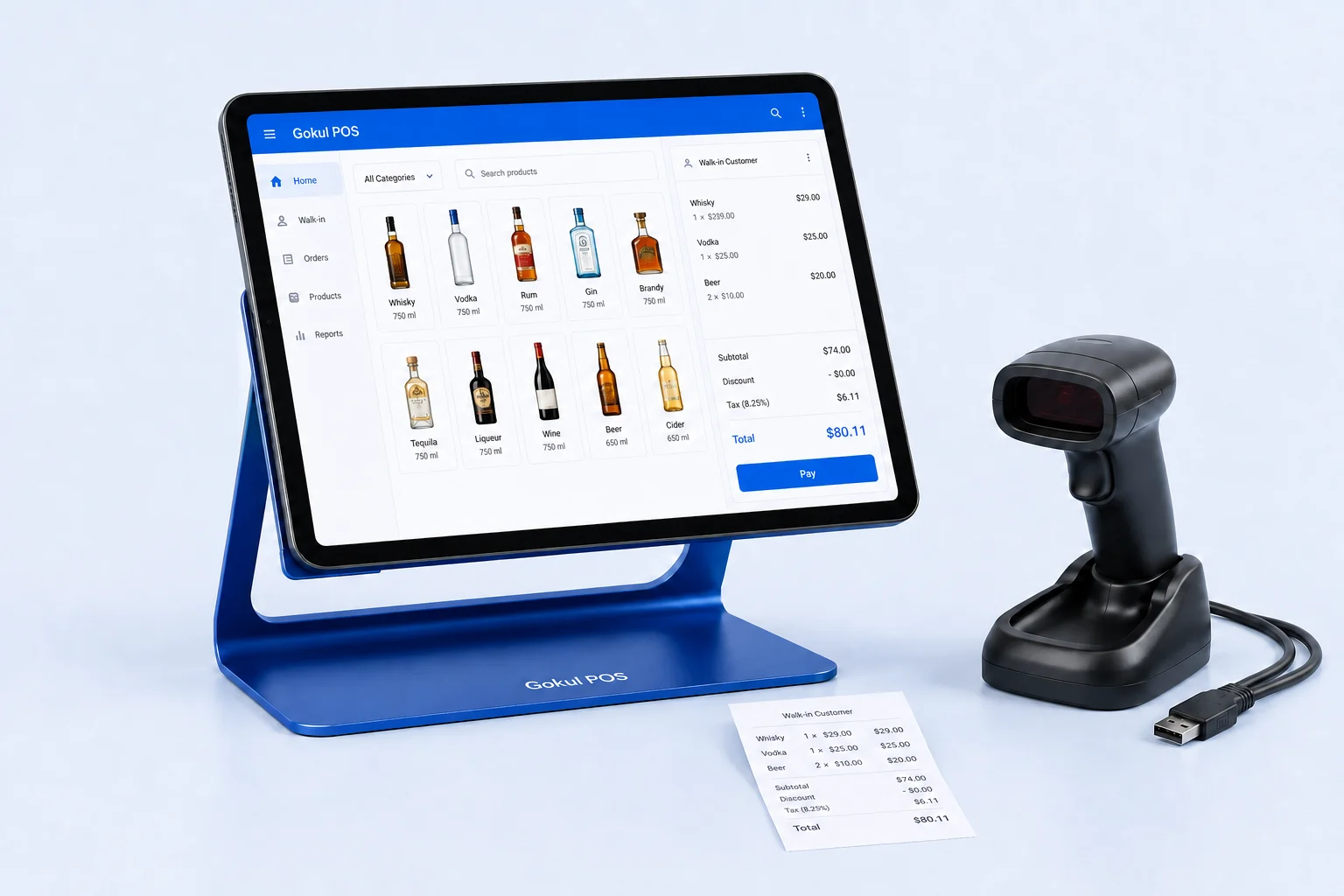
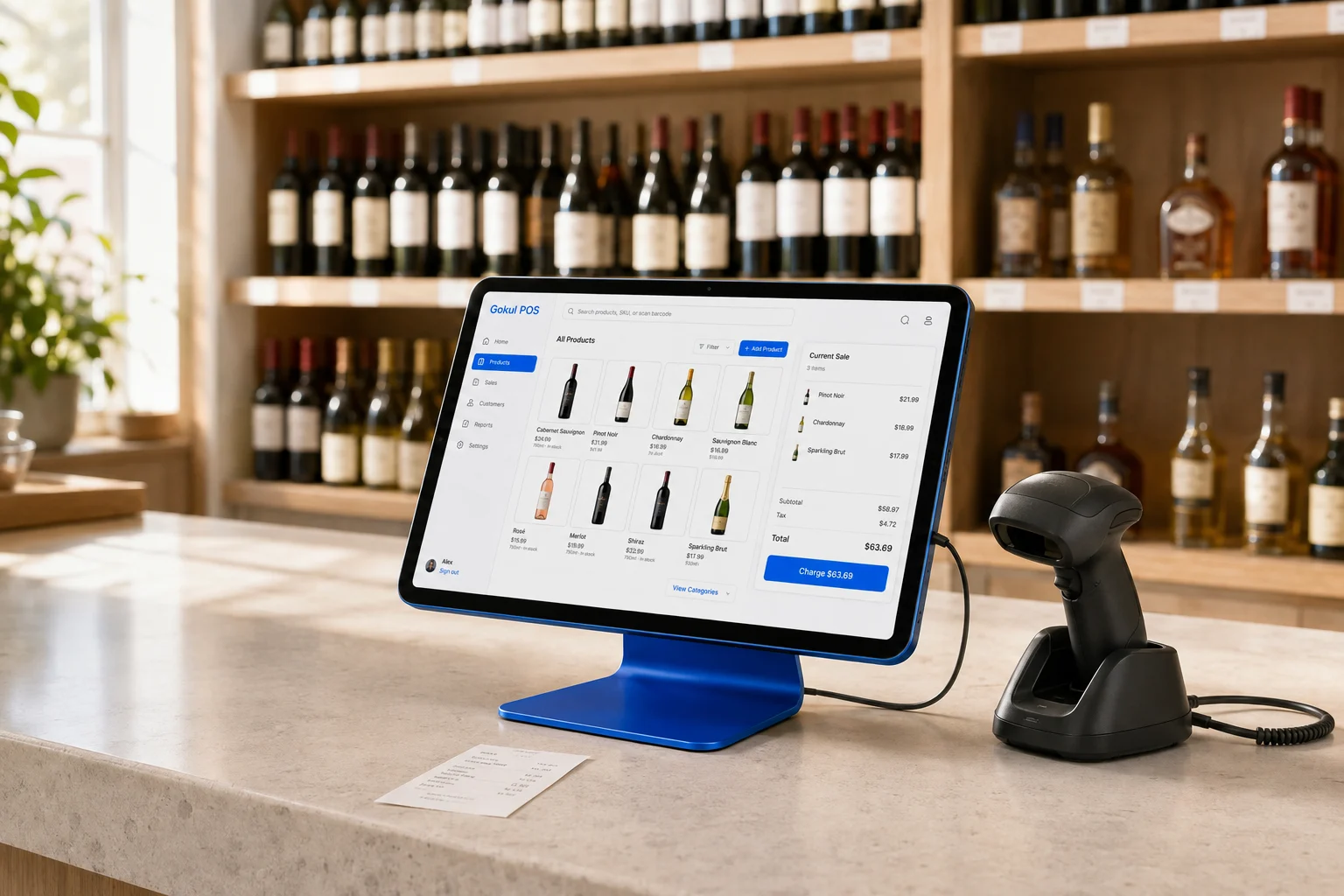
Gokul’s sample register lets you explore product selection, quantities, held tabs, and checkout scenarios. Use it to agree on cashier behavior. Do not infer a complete promotion engine from the appearance of a discount field. For either proposal, keep your worked examples attached to the scope so implementation can be checked against the same expected answers.
Turn processor choice into a compatibility question
KORONA states that it allows merchants to choose a payment service provider and integrates with various merchant services. That flexibility is worth investigating if your store wants to evaluate its existing processor alongside alternatives. KORONA merchant services.
Bring the processor’s name and the exact terminal model to the discussion. Ask for written confirmation of the supported integration, who supplies and replaces the terminal, and who handles a transaction that appears paid on one device but incomplete on another. The phrase “processor choice” alone does not answer those implementation questions.
Compare proposals using your own transaction mix and a complete schedule of charges. Include hardware obligations, support responsibility, and exit terms as well as processing costs. Gokul’s card and split-payment screens currently simulate transactions; they do not identify an operational processing relationship or charge a card. Payment selection remains part of a production specification.
Check an owner report against a second location
KORONA describes remote reporting through its cloud back office, including the ability to review locations and adjust prices or employee permissions. KORONA remote store management.
To test the reporting you need, choose a product sold at different prices in two stores. Ask how the owner sees each location’s units, sales, and adjustments without losing the distinction between them. Then have a manager make an allowed local change and confirm what the owner sees afterward.
Gokul’s portfolio demo includes 25 stores across five sample businesses and separates their records within the browser. It demonstrates navigation and selected-store context. It does not establish cloud synchronization, concurrent register consistency, or server-enforced business isolation. Those requirements deserve a trial on separate devices with independently signed-in users before a multi-store launch.
Define the age-check action precisely
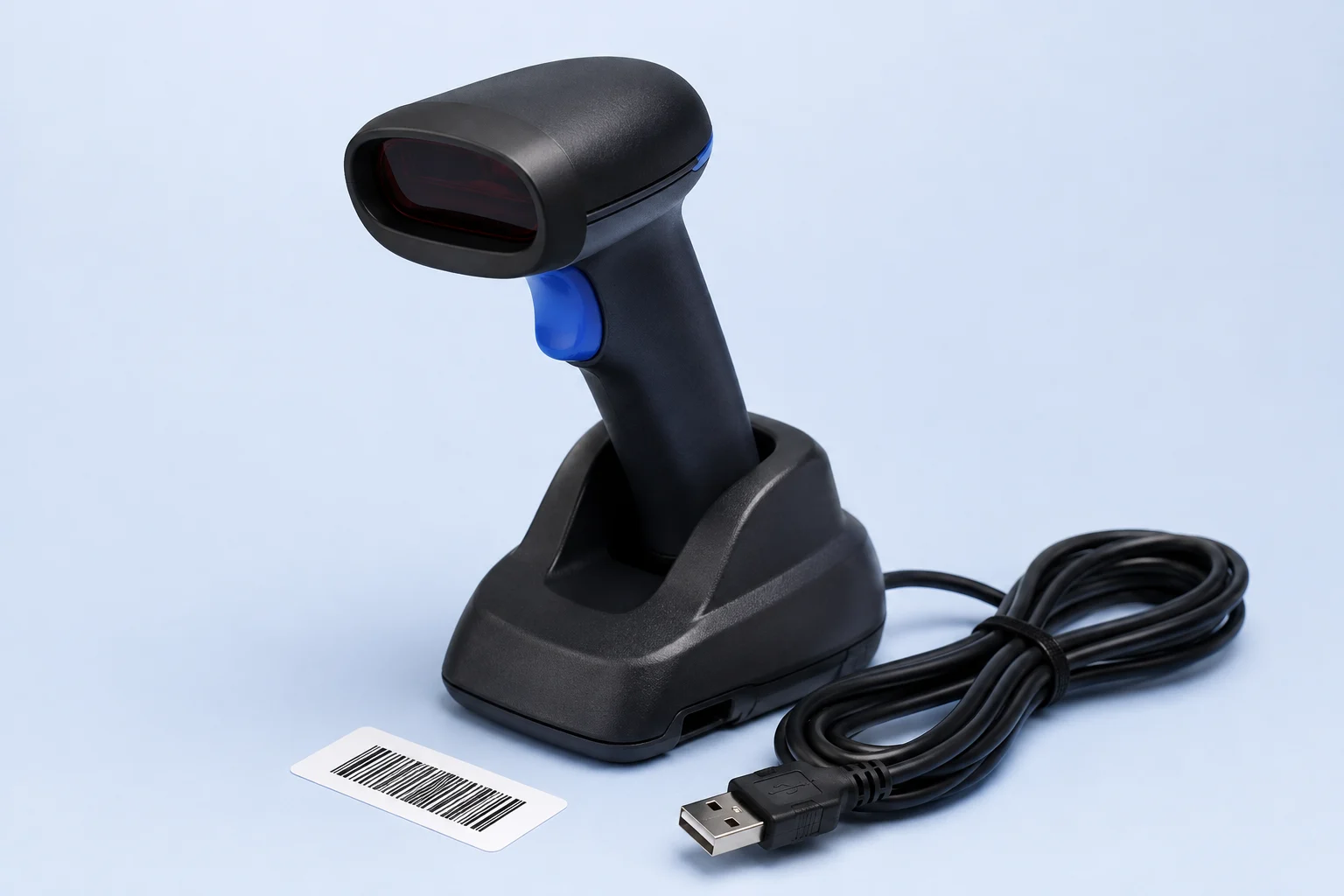
KORONA lists age-verification reminders among its liquor-store features. A reminder is a specific capability to inspect, and any scanner behavior should be confirmed with the proposed hardware. KORONA liquor-store feature list.
Gokul’s demo can calculate age from an entered date of birth, capture a camera photo, and export ID-check records as CSV. Camera capture does not perform OCR or authenticate a document. Try a missing date, a mistyped date, and a canceled check to understand what the cashier sees and which sample records remain.
Write the desired staff steps before choosing equipment. Ask who can review exported records and what the eventual retention settings will be. Neither a prompt nor a stored image should be treated as proof that the entire age-check process has been completed correctly.
Compare the package around the operating test
KORONA deserves a detailed trial when case inventory and payment-provider flexibility drive the buying decision. Request a configuration-specific quote after the stock and payment exercises so the quoted scope matches the demonstrated setup.
Gokul’s proposed packages are $5,000 for one register, $6,000 for two, and $7,000 for three. The illustration divides capital across twelve payments and adds monthly support of $150, $225, or $300 respectively; year-two support is reviewed separately. These are not approved financing terms. Review the package details, confirm hardware and service scope, and use the interactive demo to document the remaining requirements. The decisive evidence is a reconciled operating test with clear responsibility for the real deployment.