A POS terminal is easy to picture on your counter. The relationships behind it are harder to see: software, payment processing, accessories, optional apps, installation, and the team answering the support phone. When comparing Gokul POS with Clover, bring those relationships into the conversation before choosing a screen size.
Clover has an established family of payment and retail devices. Gokul is currently an early browser-based demonstration of a proposed retail workflow and package offering. Its simulated checkout does not process real payments, and its hardware imagery illustrates the intended setup rather than certifying a specific device combination. This guide helps you separate what you can inspect today from what still belongs in a quote.
Start with the complete counter arrangement
Clover’s device documentation distinguishes configurations for countertop and portable work. Its retail offering brings payment acceptance, inventory, and reporting together with different hardware choices. Review the actual model proposed for your business instead of using the word “Clover” as if every device were interchangeable. Clover device configurations, Clover retail overview.
Mark the counter with paper rectangles matching the intended footprint. Include the customer-facing payment area, scanner cradle, receipt collection point, bagging space, and cable path. A cashier should be able to scan a large bottle without lifting it over a cable or twisting around a display. If two people sometimes share the counter, test that arrangement as well.
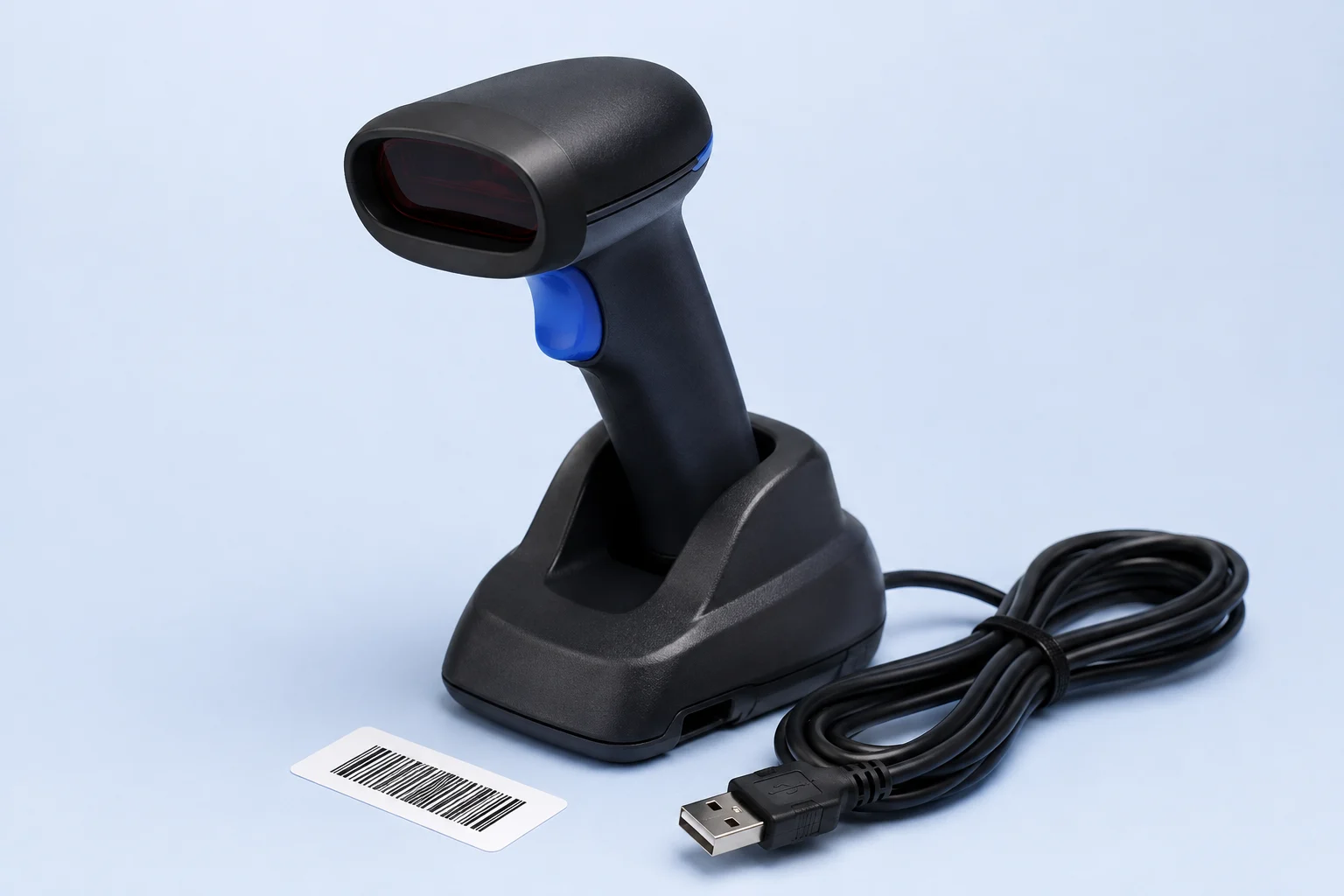
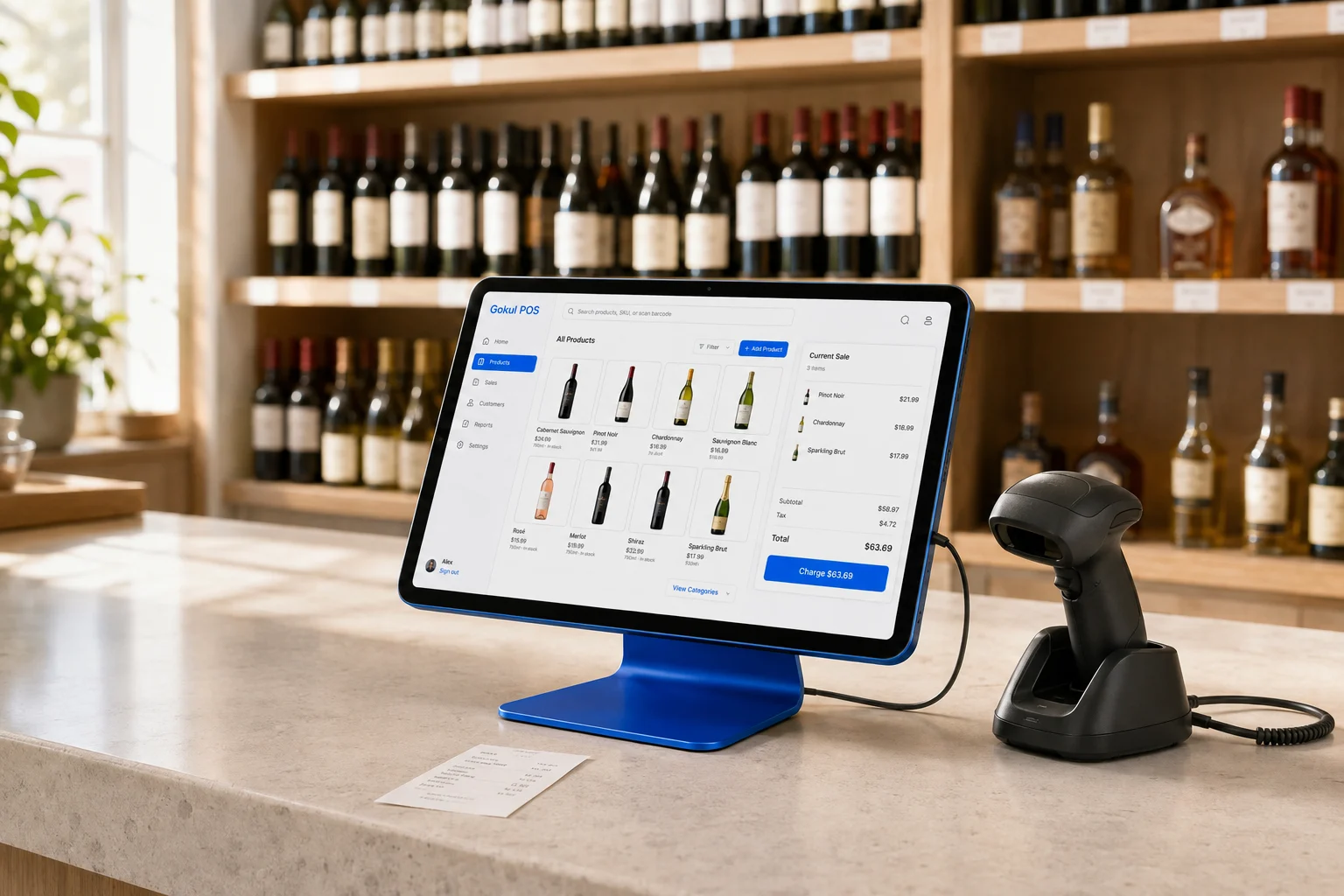
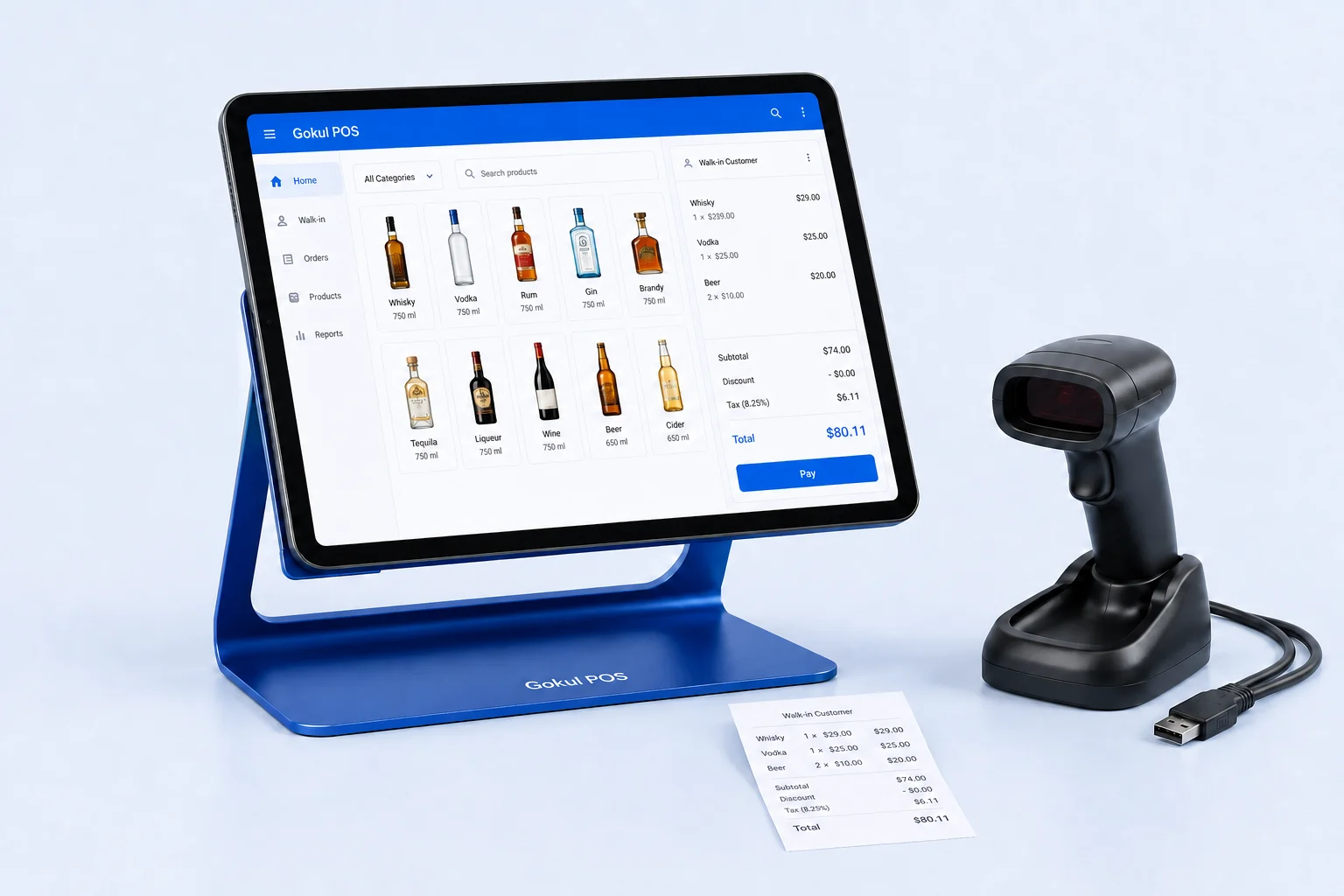
Gokul’s proposed hardware direction includes an iPad, physical barcode scanner, and stand. Ask for the exact iPad generation, stand fit, scanner connection, and payment-device specification in the final quote. A scanner that types a barcode into a browser may be useful for product lookup, but that alone does not establish supported payment processing or document verification.
Write down who owns each part
Create a short responsibility table before committing:
| Question | The answer your quote should contain |
|---|---|
| A card payment fails | Named payment support contact and escalation path |
| The scanner disconnects | Supported model, setup instructions, and replacement process |
| An app stops syncing | App provider, subscription owner, and troubleshooting responsibility |
| The store changes hands | Account, hardware, and data transfer requirements |
This is a buying worksheet, not a claim that one vendor’s support is better. A single point of contact can be valuable, but only if that contact can actually coordinate the other providers. Ask the person selling the system to explain an incident that crosses two services, such as an order appearing in one channel but missing from inventory.
Distinguish built-in tools from connected apps
Clover describes a combination of its own POS functions and third-party apps. Its platform overview lists an App Market and examples of connected business tools. That breadth may be useful, but the desired workflow should still be demonstrated with the precise apps in your quote. Clover POS platform.
For every add-on, record its monthly cost, data it receives, and what happens when you cancel it. Then run a small end-to-end test. For example, create an item, sell it, return it, and inspect the accounting output. You are checking whether the integrations preserve the same transaction meaning, not merely whether a connection button turns green.
Gokul’s demo includes catalog search, held sales, customer records, invoices, and an age-check log. It does not establish an app marketplace or finished accounting, loyalty, and delivery integrations. If those are requirements, keep them explicit rather than filling gaps with assumptions.
Evaluate staff control with a real scenario
Choose one action a cashier should complete freely and one that should require a manager. Try both. Then inspect the action history and ask what prevents someone from bypassing the restriction through another device or account.
Gokul’s manager/admin settings and Laddu views demonstrate role-based interface behavior in the browser. That is not the same as production authentication or server-enforced authorization. A deployment assessment must include account provisioning, offboarding, access review, and recovery. The same practical questions should be put to any provider: who can refund, who can change prices, and how do you remove access when an employee leaves?
Compare total obligations before monthly headlines
Gokul illustrates $5,000, $6,000, and $7,000 packages for one, two, and three registers. Twelve capital installments are shown separately from $150, $225, or $300 in monthly support. Support is reviewed for year two; financing terms and the final hardware and service scope remain quote-dependent.
For Clover, request the exact commercial offer from the seller you are considering. List hardware payments, software, apps, processing, installation, and exit conditions on separate lines. Do not infer that the equipment is owned outright just because a proposal shows a monthly payment. Ask for that answer in writing.
If Clover’s demonstrated device and service combination meets your immediate needs, evaluate that complete arrangement. If Gokul’s workflow and proposed branding fit your direction, prepare a quote request identifying the dependencies that must be proven. The best counter is one your team can use comfortably and your business can support clearly after installation day.