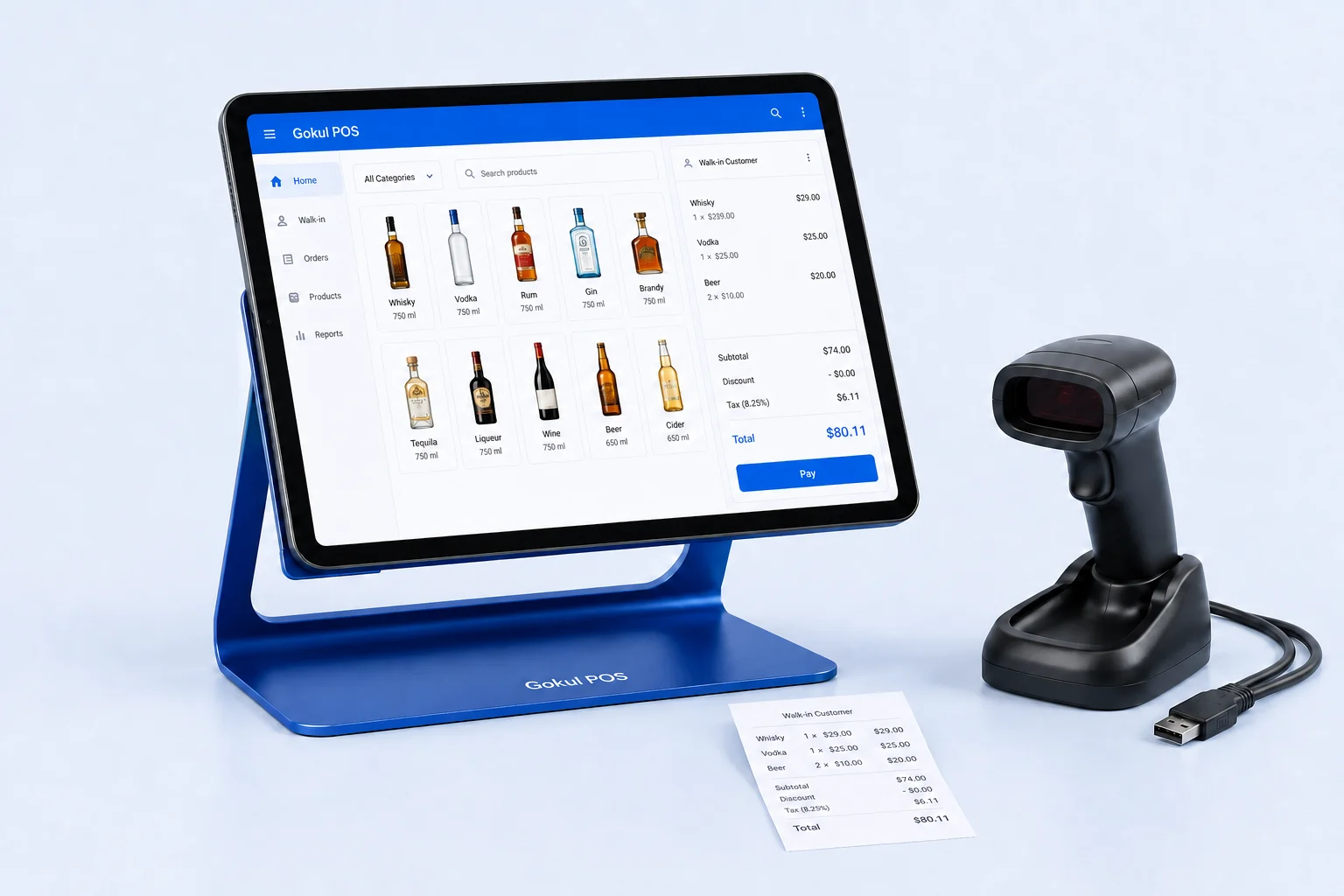
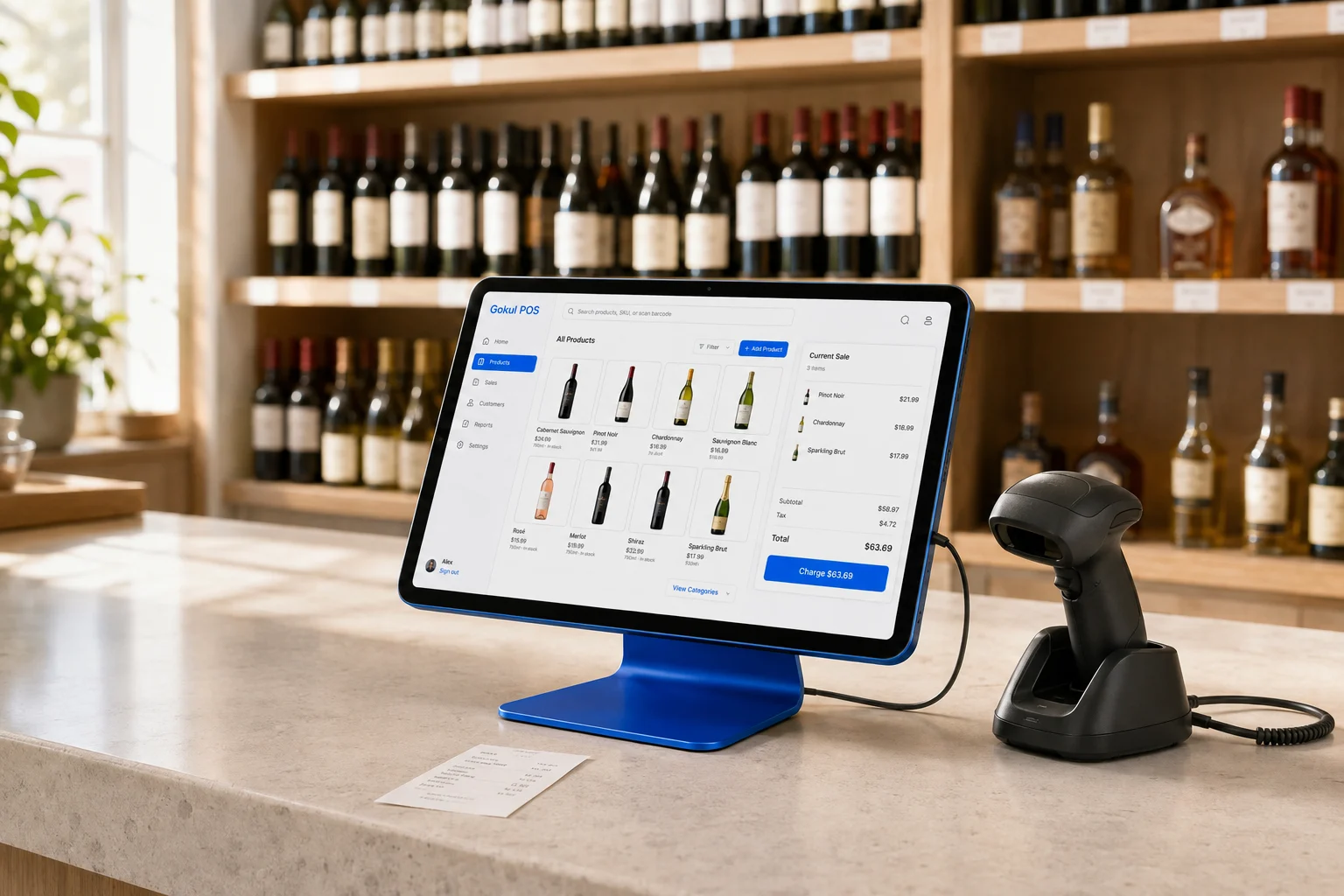
For a liquor retailer, inventory complexity often becomes visible before checkout complexity. The counter may feel straightforward while the back office struggles with new vintages, changing costs, short deliveries, and stock that belongs at another location. A comparison of Gokul POS and Lightspeed should therefore begin with a delivery, rather than a payment screen.
Lightspeed offers a developed retail platform with published inventory and liquor-store capabilities. Gokul currently provides an early browser demo for exploring a proposed POS workflow. Its sample stock adjustments and sales views should not be mistaken for a deployed purchasing system. The decision is partly about features and partly about how much implementation evidence your business needs before switching.
Map the journey from delivery to shelf
Lightspeed describes purchase-order management, supplier-related tools, inventory control, and reporting across locations in its retail inventory offering. Its documentation is a useful starting point for a buyer whose main difficulty is receiving and replenishment. Confirm the relevant product edition and subscription when arranging a demonstration. Lightspeed inventory management.
Build a receiving exercise with three deliberately different outcomes: the full quantity arrives, one item is short, and another arrives at a higher cost. Ask the demonstrator to identify which inventory values change immediately and which require approval. Then inspect the next reorder suggestion. A polished receiving screen is not enough if the downstream quantities remain unclear.
Gokul’s demo lets you edit products and adjust stock, making it useful for discussing how staff should review inventory. It does not currently demonstrate supplier integrations, automated purchasing, or a validated receiving reconciliation process. Put those on a requirements list if they are essential to your store.
Decide what one product means
One label can appear in several bottle sizes, packs, and vintages. Before migration, decide whether each variation needs a separate SKU, a shared parent, or a conversion relationship. This is a business data decision that should be agreed before anyone imports a spreadsheet.
Lightspeed’s liquor-store page describes variants and bottle sizes, barcode and SKU tracking, composite products, and age-check prompts. These are useful subjects for a liquor-specific demo, rather than assumptions to make from a general retail presentation. Lightspeed liquor-store POS.
Try a receiving unit that differs from the selling unit. If a case arrives and individual bottles are sold, write down the quantities you expect at every step. Repeat the exercise with a return and a damaged bottle. Ask how historic sales remain understandable when a product name changes. Gokul’s current catalog tracks individual product quantities; a production case-conversion capability still needs explicit confirmation.
Use reports to answer a buying decision
A report earns its place when someone can explain the decision it changes. Choose a product with strong unit sales but disappointing contribution, then another with lower volume and a higher selling price. Ask which costs, discounts, refunds, and taxes are included in each displayed figure.
Gokul’s Laddu demo can summarize recorded paid sales, stock alerts, unpaid invoices, and customer or product rankings from the selected sample store. Its product ranking uses line revenue before order discounts and tax. That is a useful descriptive view, but it is not a demand forecast or a fully allocated profitability calculation.
For either vendor, ask for the underlying rows behind a headline number. Reconcile one day manually. If two dashboards disagree, first check date boundaries and whether unpaid invoices were counted as sales. This small exercise often reveals more than a long tour of charts.
Make a second location part of the trial
The important multi-store test is a disagreement between locations. Have one store show stock available while another needs it. Follow the request, transfer, receipt, and any discrepancy. Ask who can change a price locally and how headquarters sees the result.
Gokul’s portfolio demonstration illustrates navigation across 25 sample stores and keeps the selected store’s workspace separate within the browser. It is not evidence of production cloud tenancy, concurrent terminals, or server-enforced isolation. For a real rollout, require those properties to be shown using separate accounts and devices. Our multi-store evaluation guide offers a more detailed test sequence.
Build a migration agreement, not just a feature list
Before selecting a platform, ask who cleans your catalog, who signs off opening stock, and which historical records will migrate. Assign an owner for resolving duplicate barcodes and missing costs. Set a cutover date only after the test import can be reconciled against the old system.
Gokul’s proposed one-, two-, and three-register packages use twelve illustrated capital payments plus separate monthly support. Review the package breakdown and confirm hardware, installation, and service scope in writing. For Lightspeed, request a configuration-specific quote covering the edition, locations, integrations, hardware, and processing you need.
If mature purchasing and complex inventory operations are your immediate priority, Lightspeed deserves a detailed evaluation. If you are exploring a tailored Gokul setup, use the demo to define a precise workflow and acceptance checklist. The strongest choice is the one that can complete your receiving and reconciliation exercise with a clear explanation of every number.