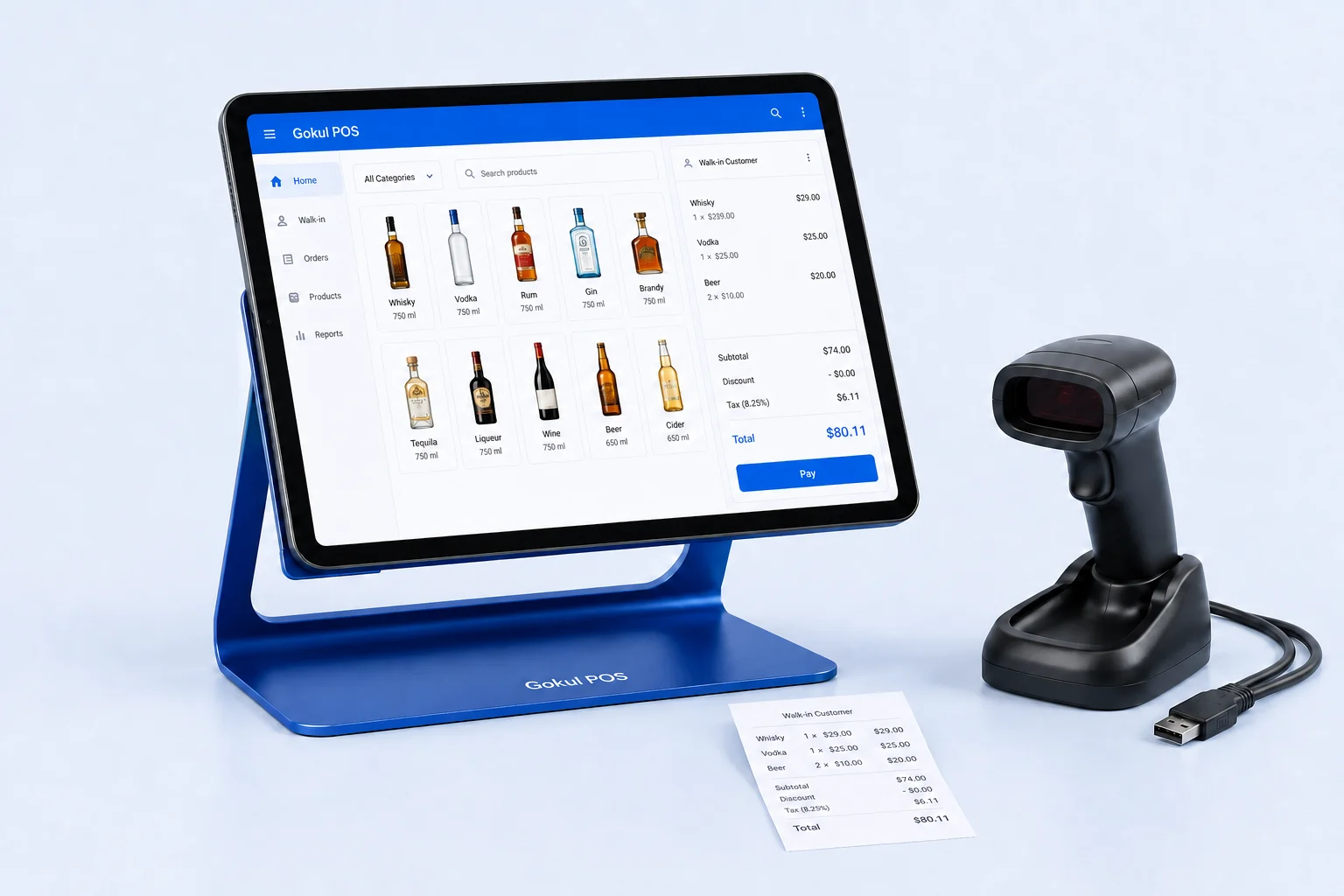
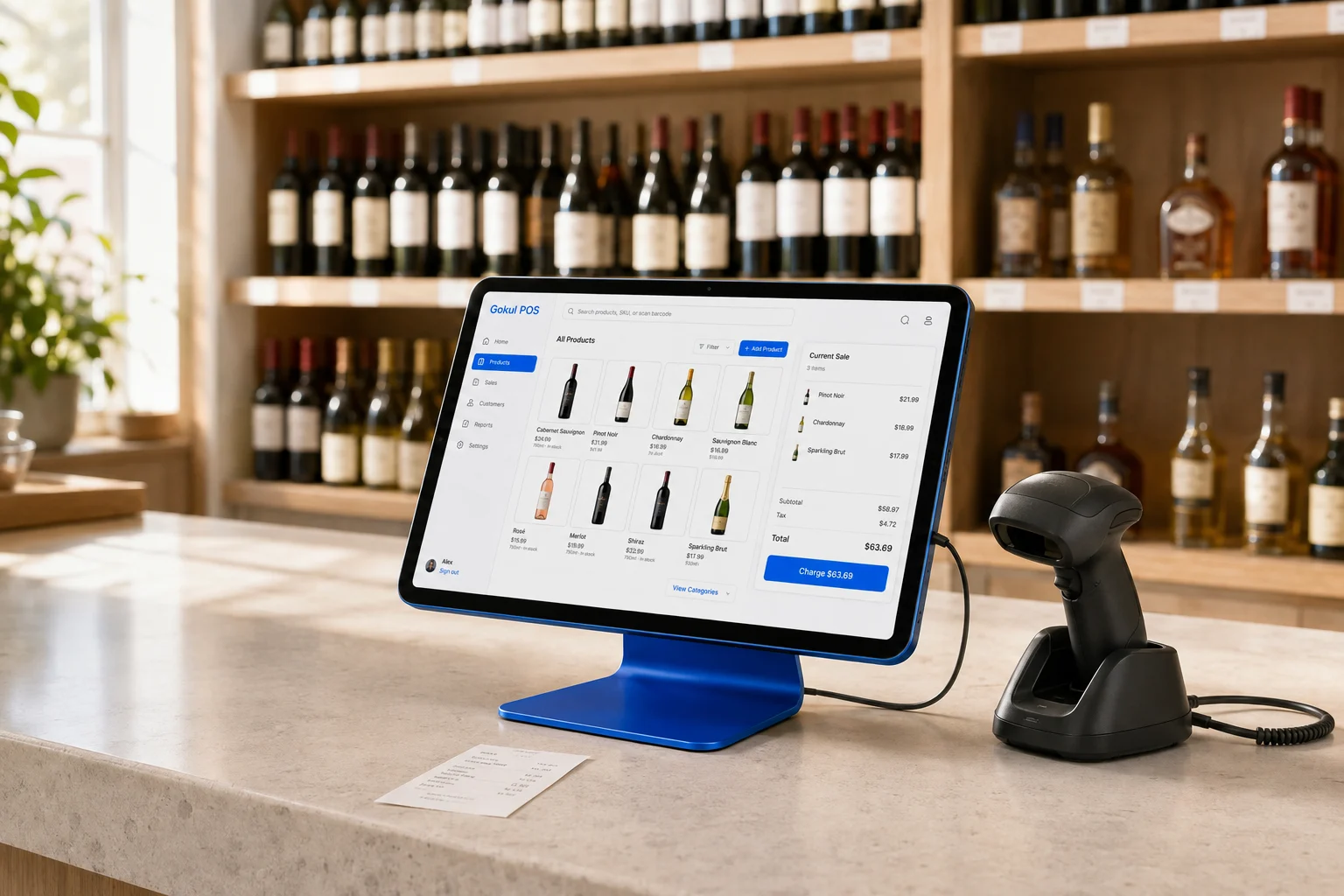
A liquor store with an online shop has two places where a customer can claim the last bottle. That makes a POS evaluation about more than a quick checkout. The owner needs a clear account of which system controls availability, how an order reaches the employee preparing it, and what happens when the customer changes plans.
Shopify POS is an established production offering with documented connections between retail and online operations. Gokul POS currently offers an early interactive demo. Its register and sample store records can help you evaluate a proposed working experience, but they do not establish a functioning online sales channel or production payment service.
Give each bottle a consistent identity
Shopify documents that its POS synchronizes orders and inventory with Shopify admin across retail locations, the online store, and other active sales channels. That connected model is a useful starting point for a retailer already managing its catalog in Shopify. Shopify POS overview.
Before a demo, choose several products that staff frequently confuse: different sizes of the same spirit, a wine whose vintage has changed, and a gift set containing a familiar bottle. Write the expected SKU, barcode, display name, and selling unit for each. Then ask the provider to show the same item at checkout and in the online catalog.
The test should reveal who maintains each field and how an edit reaches another channel. Gokul’s demo supports product records and barcode or SKU searches, so you can assess counter terminology and item discovery. A shared online catalog remains a separate requirement to define and prove.
Follow an order through the handoff
Build a trial around one hypothetical pickup order placed shortly before a shift change. Have the first employee locate the item, the second employee take over, and a manager resolve a customer request to change the quantity. Record the expected stock position at every step.
Ask when the product becomes unavailable to another shopper, where staff see the pickup task, and how a cancellation releases stock. Repeat with an item missing from its expected shelf. These are proposed acceptance tests; their purpose is to establish the behavior of your selected configuration.
For Gokul, held tabs and customer invoices offer ways to discuss interruptions and customer records. A held register cart is not evidence of an online reservation or fulfillment integration. If pickup is central to your business, include that entire handoff in the deployment scope rather than treating it as a small checkout enhancement.
Check what an employee can actually access
Shopify’s staff documentation distinguishes POS access from admin access. Custom POS roles and POS-only staff are tied to POS Pro. It also explains that location assignments restrict where a staff PIN works, while inventory visibility can extend across locations. Roles do not apply in the same way at POS Lite locations. Shopify staff access and roles.
Create a short responsibility chart before choosing plans. Decide who should issue refunds, change discounts, edit products, and inspect another branch’s orders. Test those actions with the actual employee accounts you intend to deploy.
Gokul demonstrates manager settings and an admin portfolio with 25 sample stores across five businesses. Browser-isolated store records make that demonstration easier to explore, but they do not prove server-enforced permissions or production tenancy. Ask for separate-device and separate-account evidence before relying on those boundaries in a live store.
Rehearse a disruption during pickup
Shopify lists several functions that require connectivity, including fulfilling online pickup orders, shipping orders to customers, processing returns, and synchronizing with admin. Its offline card behavior depends on supported circumstances and hardware; reconnection can be required to capture a payment. Shopify offline features.
Use that documentation to plan a realistic outage rehearsal. Put an order in progress, disconnect the intended checkout device, and have staff describe what they can finish and what they must defer. After reconnection, reconcile the order and stock records. The exercise should end with written staff instructions.
Gokul’s browser demo does not provide a validated offline production workflow. Simulated sales and locally available screens cannot establish whether a real payment will settle or inventory will synchronize after an outage.
Make the daily report answer an operational question
Shopify’s POS admin overview includes retail sales metrics and supports location filtering when multiple locations exist. Access depends on staff permissions. Shopify Point of Sale admin overview.
For your own evaluation, choose a day containing an online order, a counter sale, and a cancellation. Decide which report should contain each event and whether its date follows placement, payment, or fulfillment. A familiar-looking total is useful only when the owner understands what it counts.
Gokul’s Laddu demo answers supported questions from selected sample-store records using deterministic calculations, with optional live AI available through an opt-in path. It is useful for exploring how managers ask questions, while a production comparison still needs reconciliation against actual orders and payments.
Choose a rollout you can verify
Shopify merits close evaluation when coordinating an existing Shopify shop with a physical counter is a priority. Obtain a quote that identifies subscriptions, locations, hardware, payment terms, and any additional apps needed for your workflow.
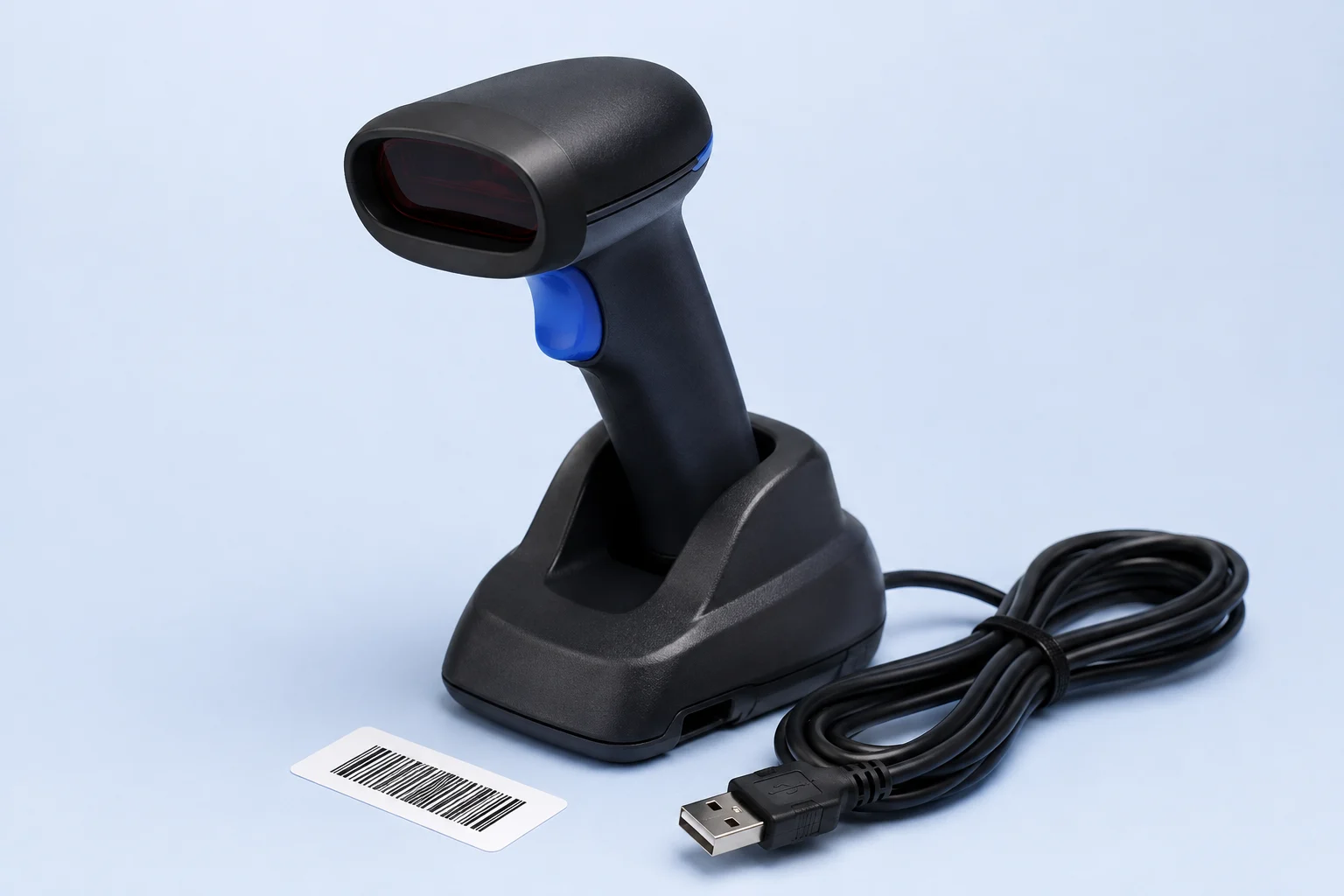
Use the Gokul demo to assess the register and define the parts a tailored deployment would need. Its proposed packages illustrate capital divided over twelve payments plus monthly support, with support reviewed for year two. They are not approved financing terms. Confirm the proposed iPad, physical scanner, stand, and service scope in a written quote. A downloaded quote is a local document; it does not submit an order or begin a rollout.